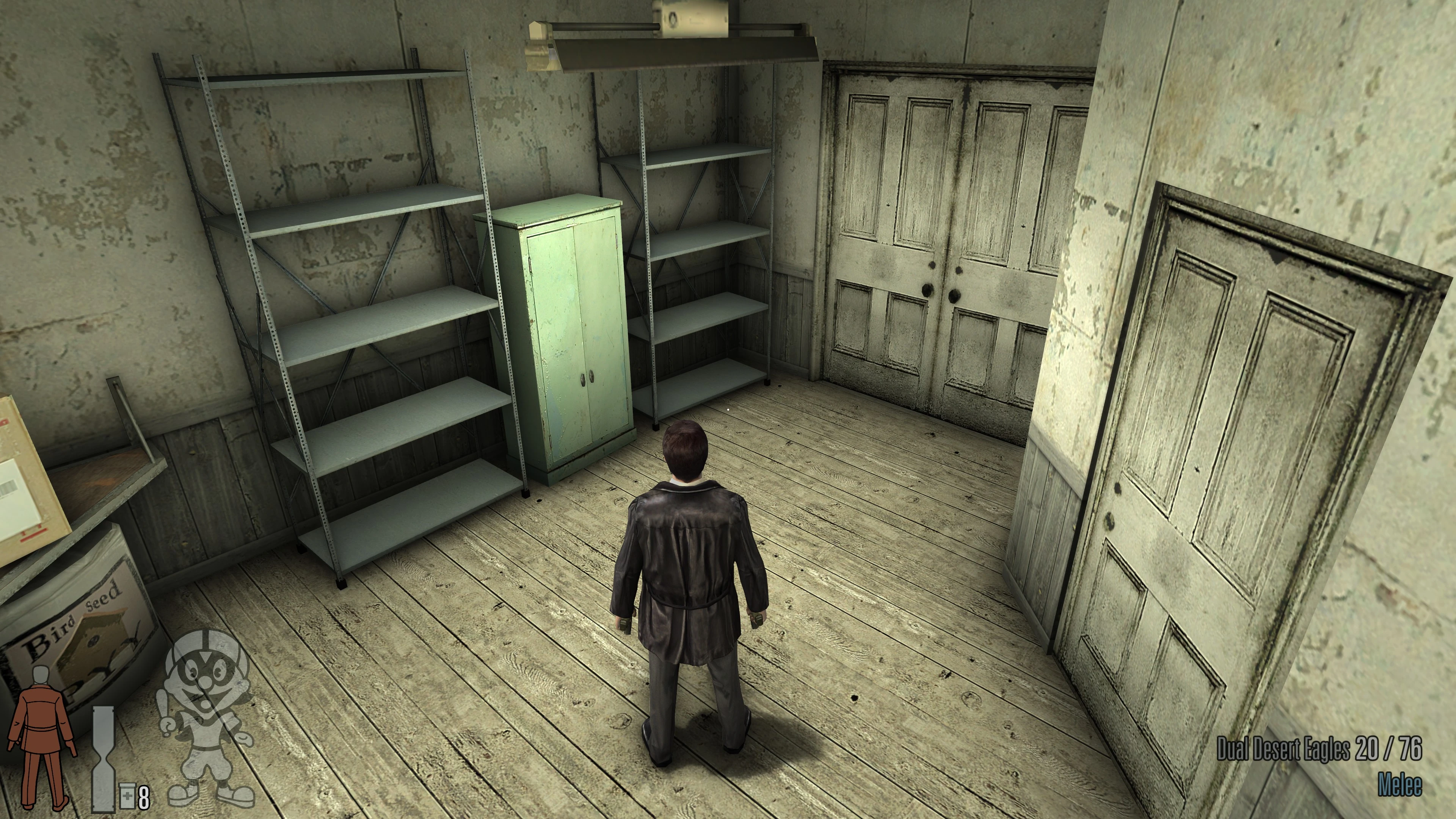
Widescreen support
Fixed the UI, loading screens, and FOV.
Technical fixes
Fixed progression-blocking issues at high FPS.
Software EAX replacement
Added software emulation of environmental audio effects.
Raw mouse input
Configurable support for up to 8,000 DPI.
Font and icon remaster
Improved UI rendering at high resolutions.
D3D8-to-Vulkan translation
Custom D3D8-to-Vulkan wrapper. Improved performance and compatibility with modern systems.
What's next
Gamepad support
Full in-game gamepad support, including button icons and control configuration.
PlannedWidescreen and Ultrawide Fixes
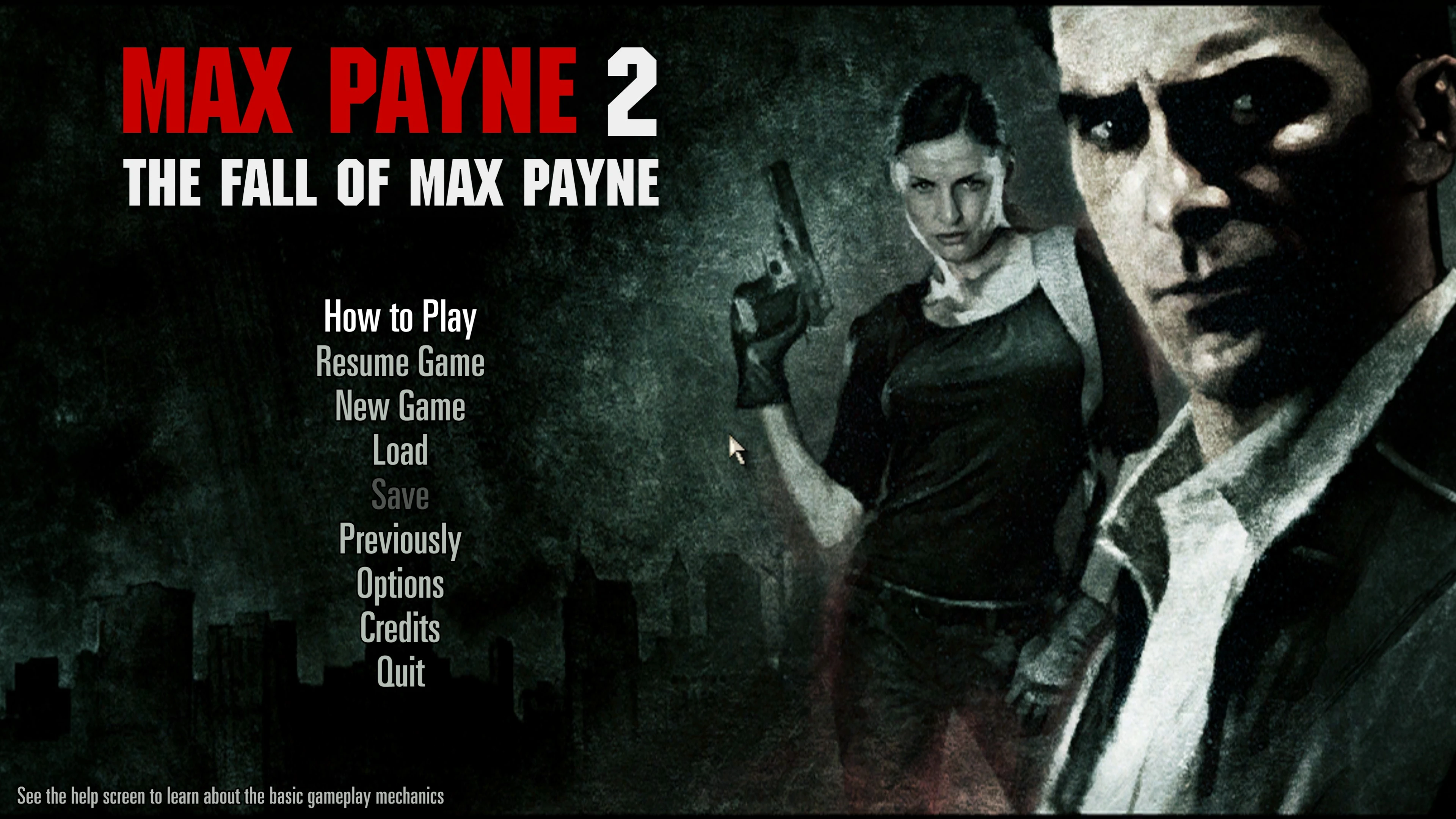
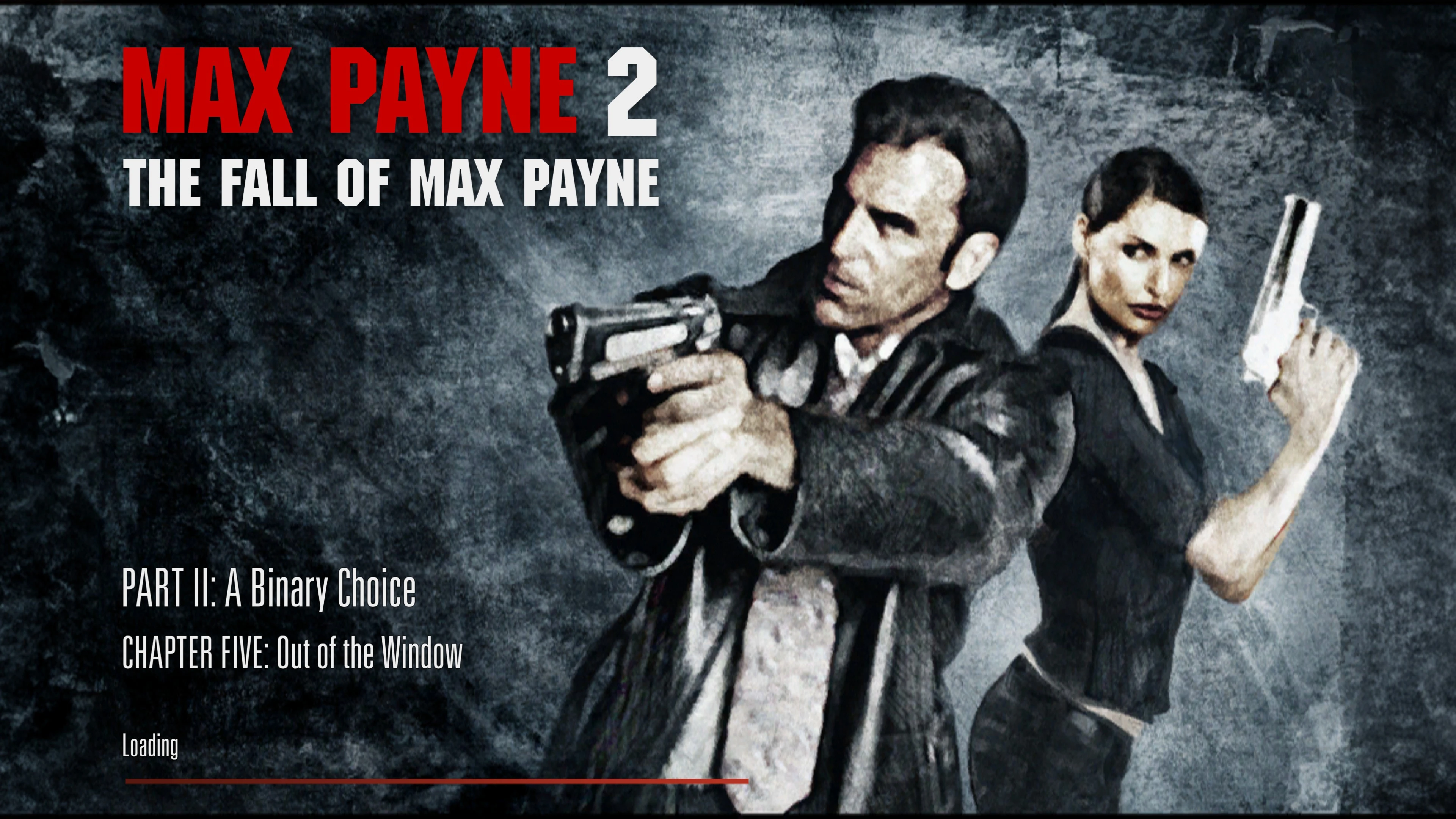
The game no longer uses a fixed 4:3 UI layout and camera framing. It now supports aspect ratios up to 32:9, with adaptive gameplay HUD elements. The main menu, loading screens, and graphic novel screens now use a 16:9 aspect ratio. Scaling them any further would require editing the existing visual assets.
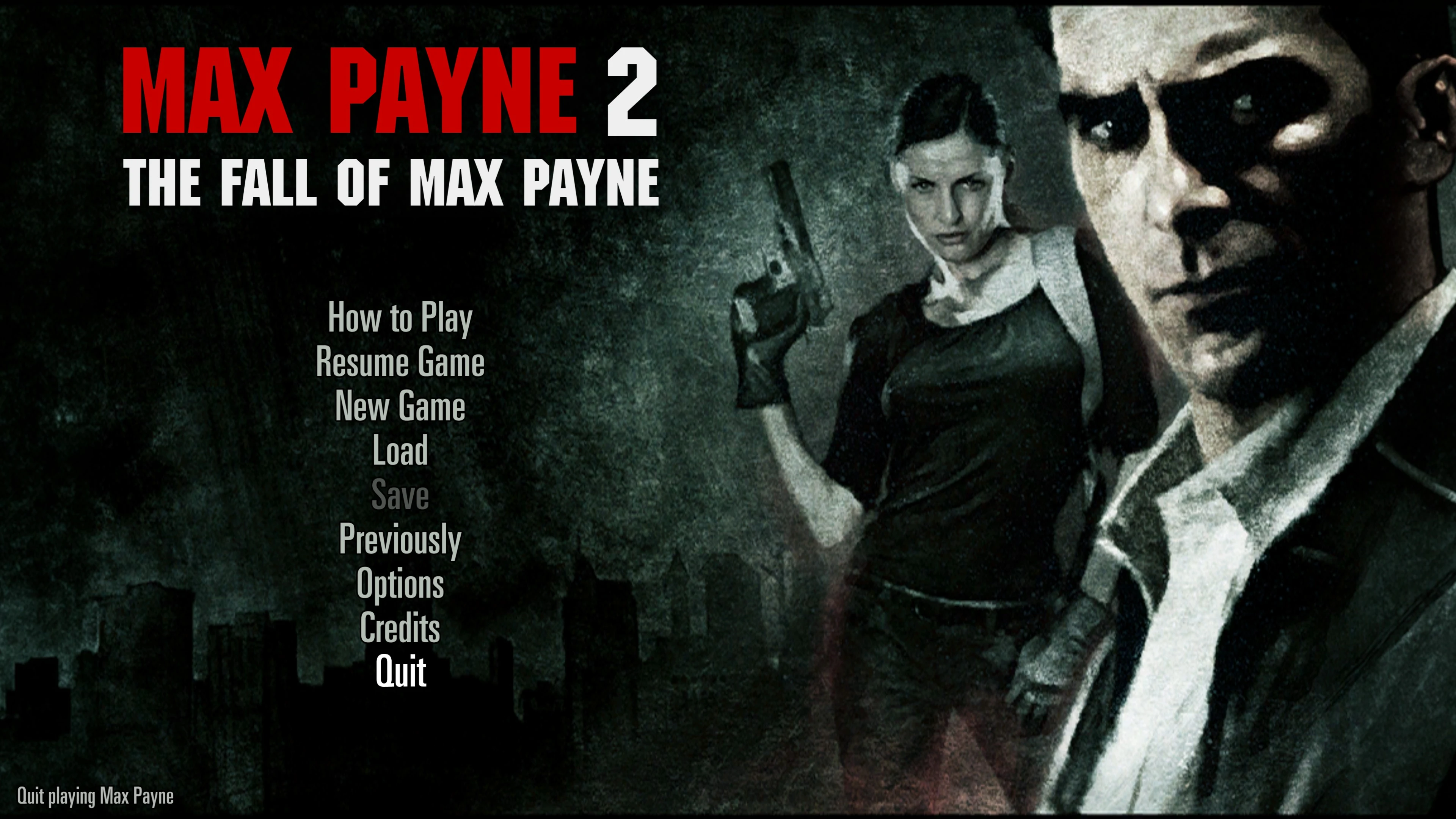
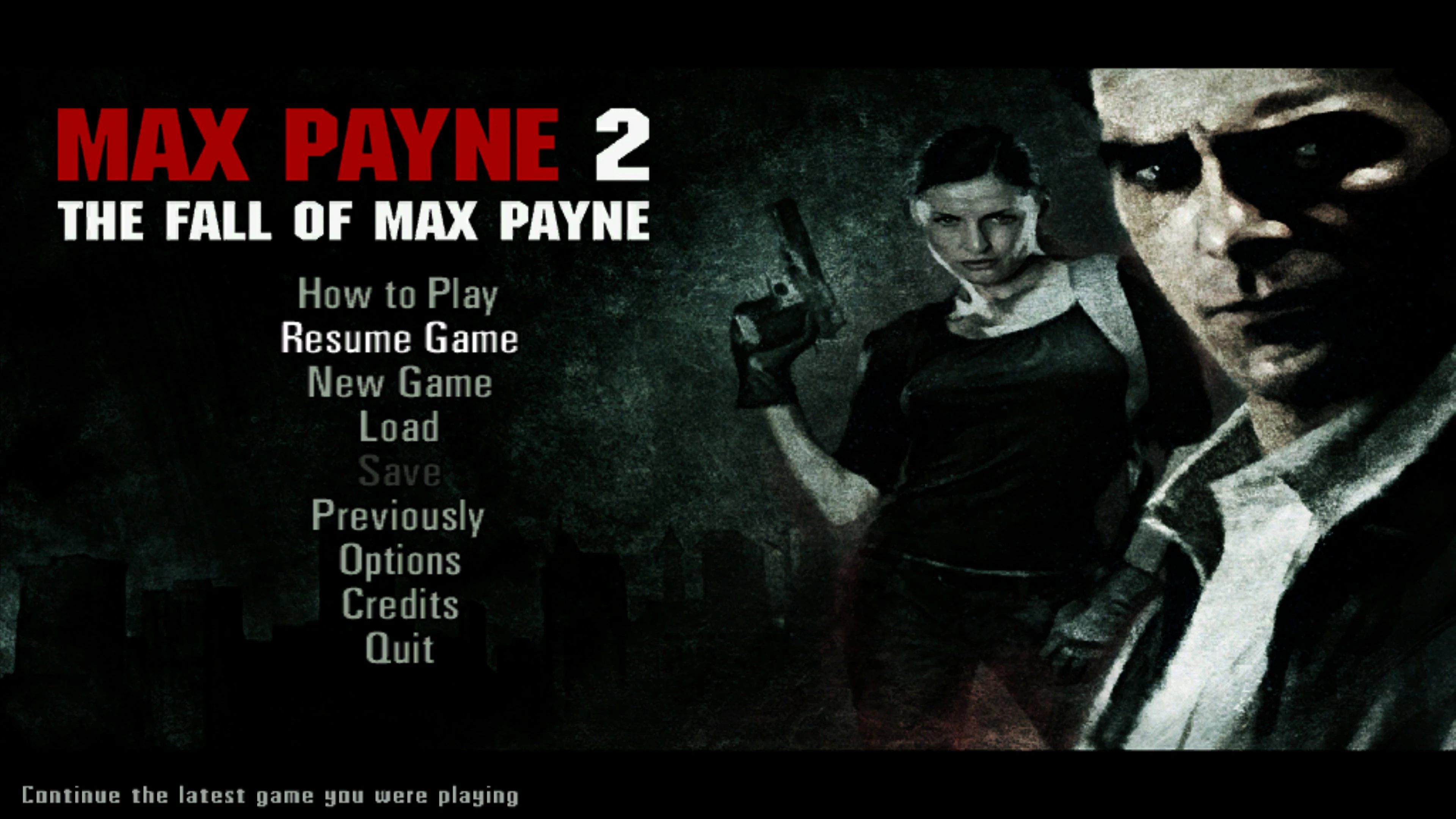 BeforeAfter
Optional 32:9 Art Pack With HQ Fonts
An optional art pack with 32:9 loading screens and menu backgrounds is available. It lets you fill the pillarbox gaps on monitors with aspect ratios wider than 16:9. It also improves the rendering of the game and chapter titles by removing the baked-in text and redrawing it using high-quality assets.
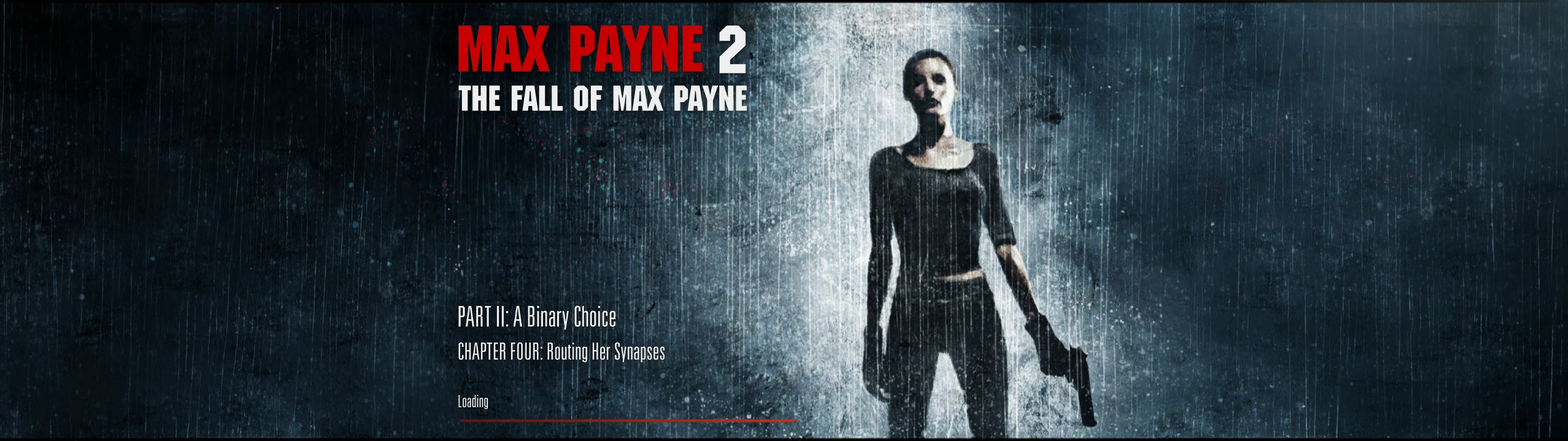
HUD and UI
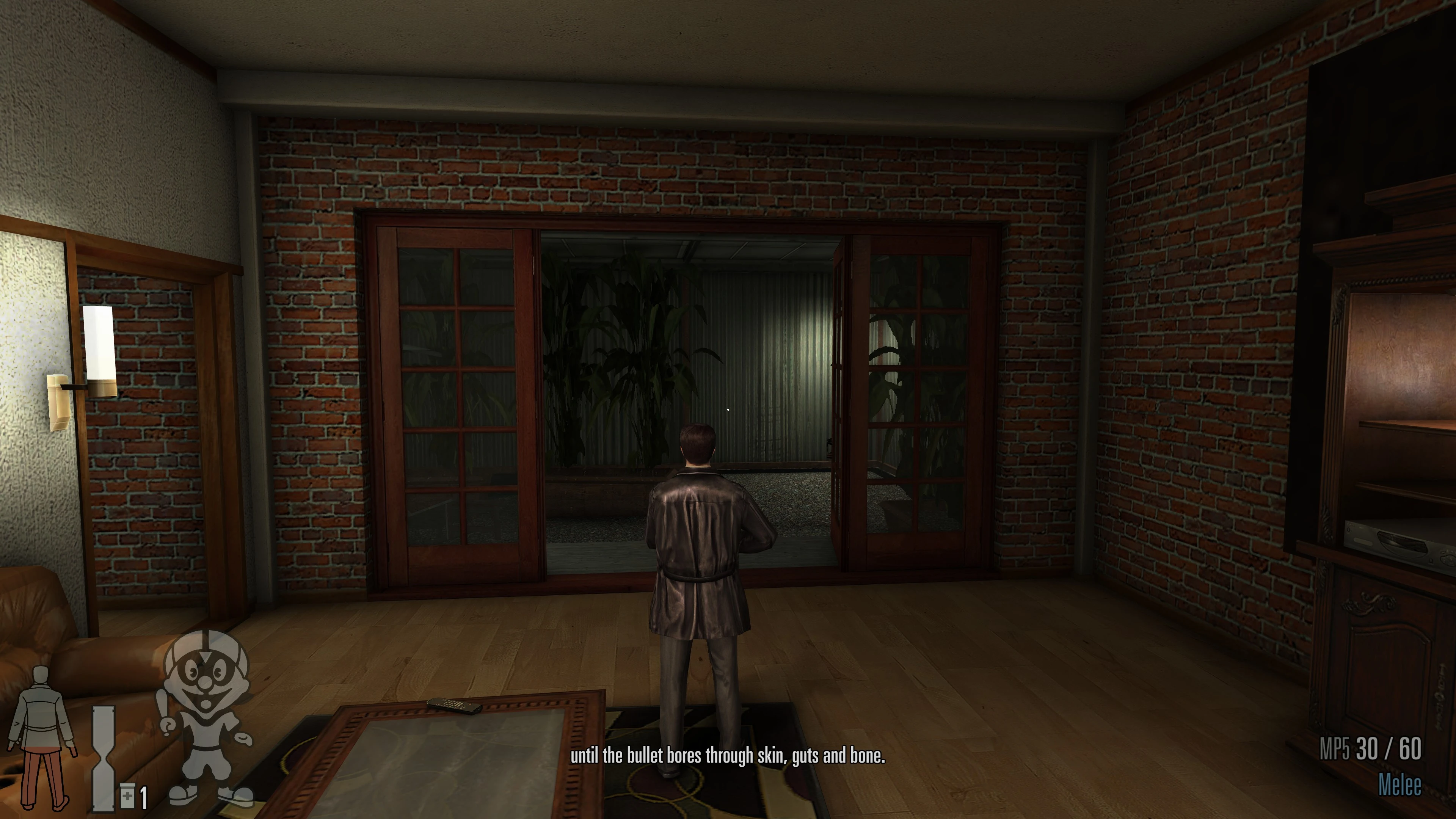
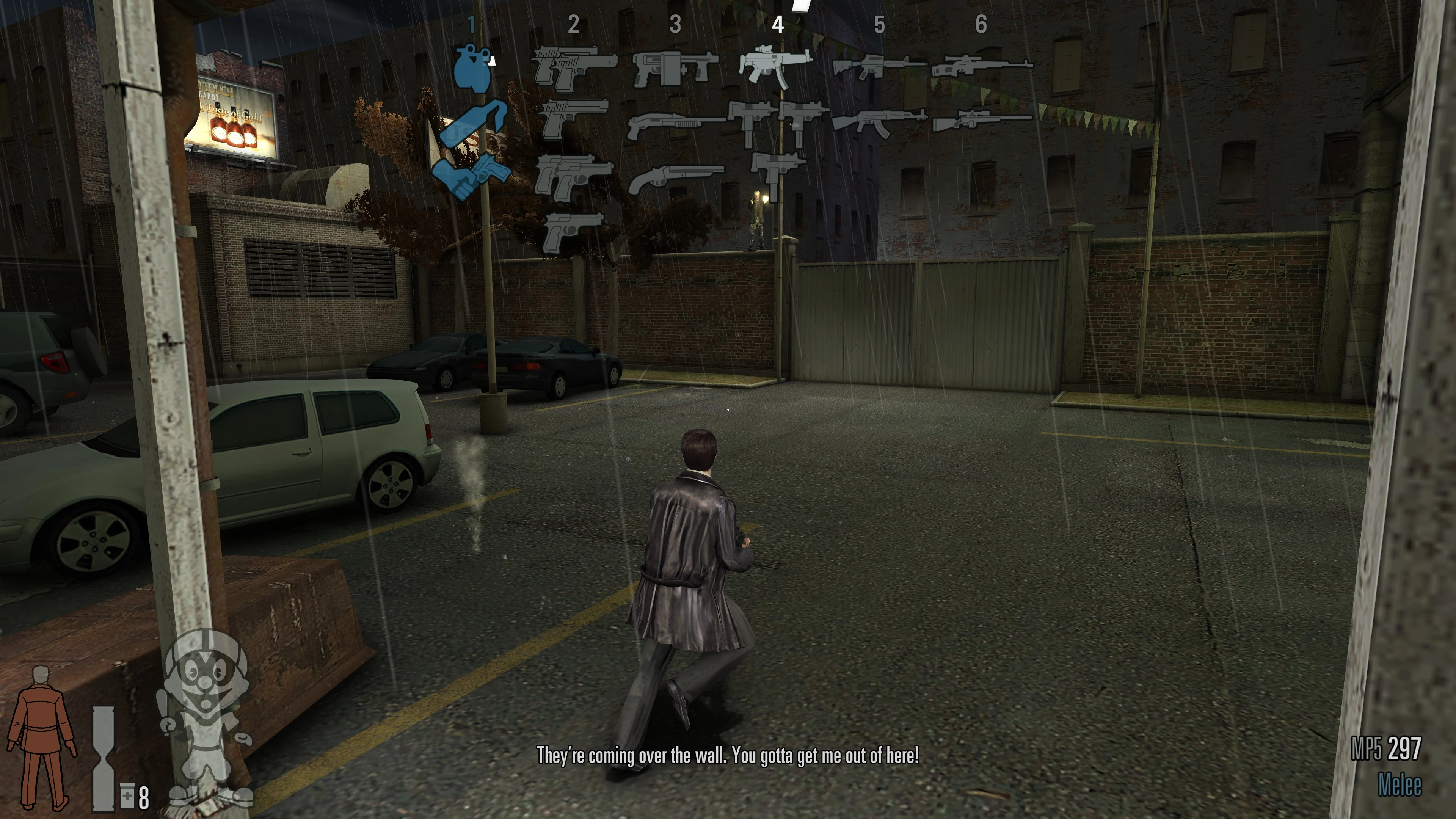
The game now uses vector assets for the HUD and fonts, providing crisper rendering at high resolutions. The HUD also supports a dynamic layout instead of a fixed 4:3 canvas. At a 16:9 aspect ratio, HUD elements appear in their original positions at the bottom corners of the screen. At 21:9 and 32:9 aspect ratios, you can choose a HUD safe zone to bring vital elements closer to the center of the screen.
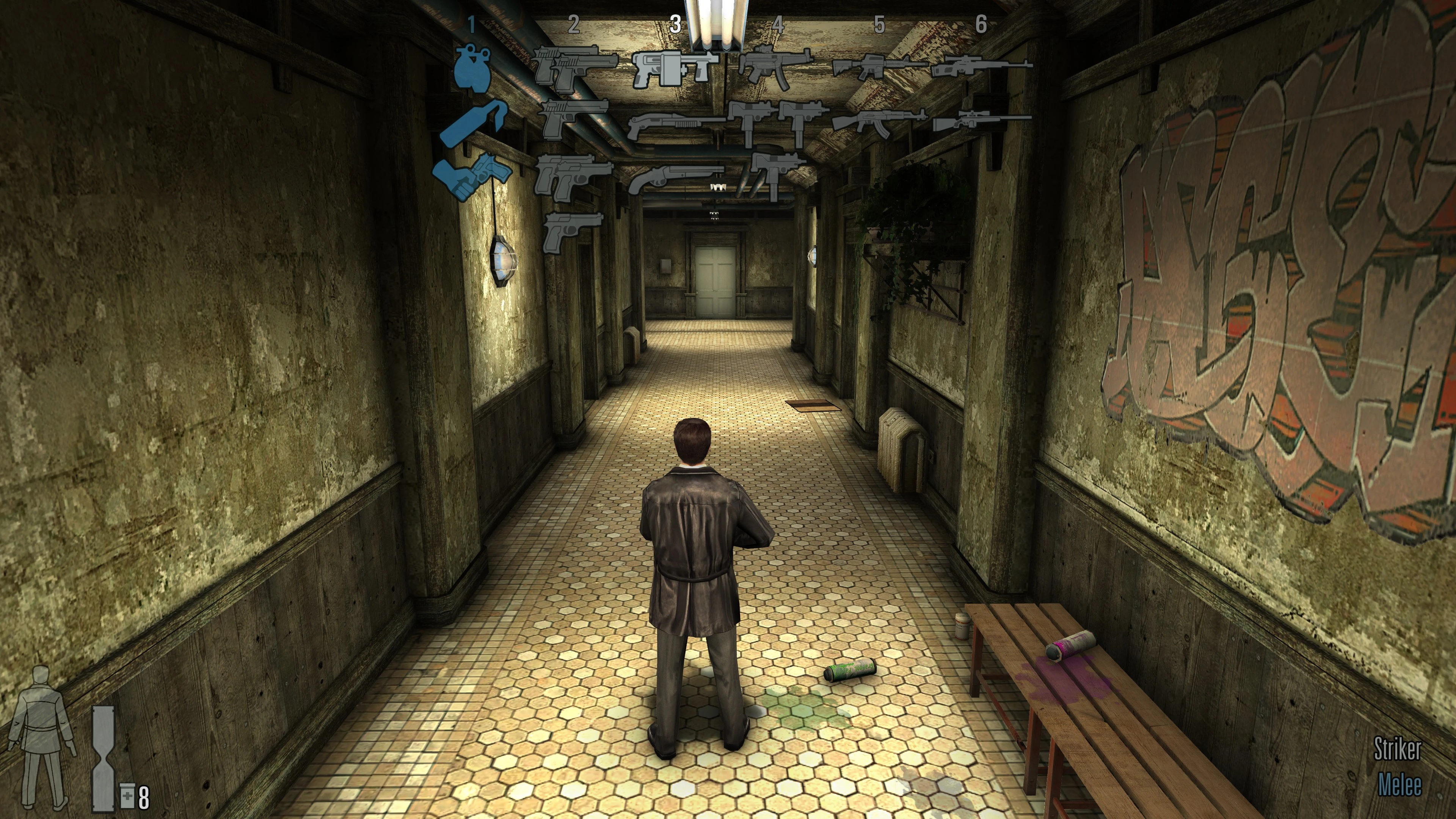
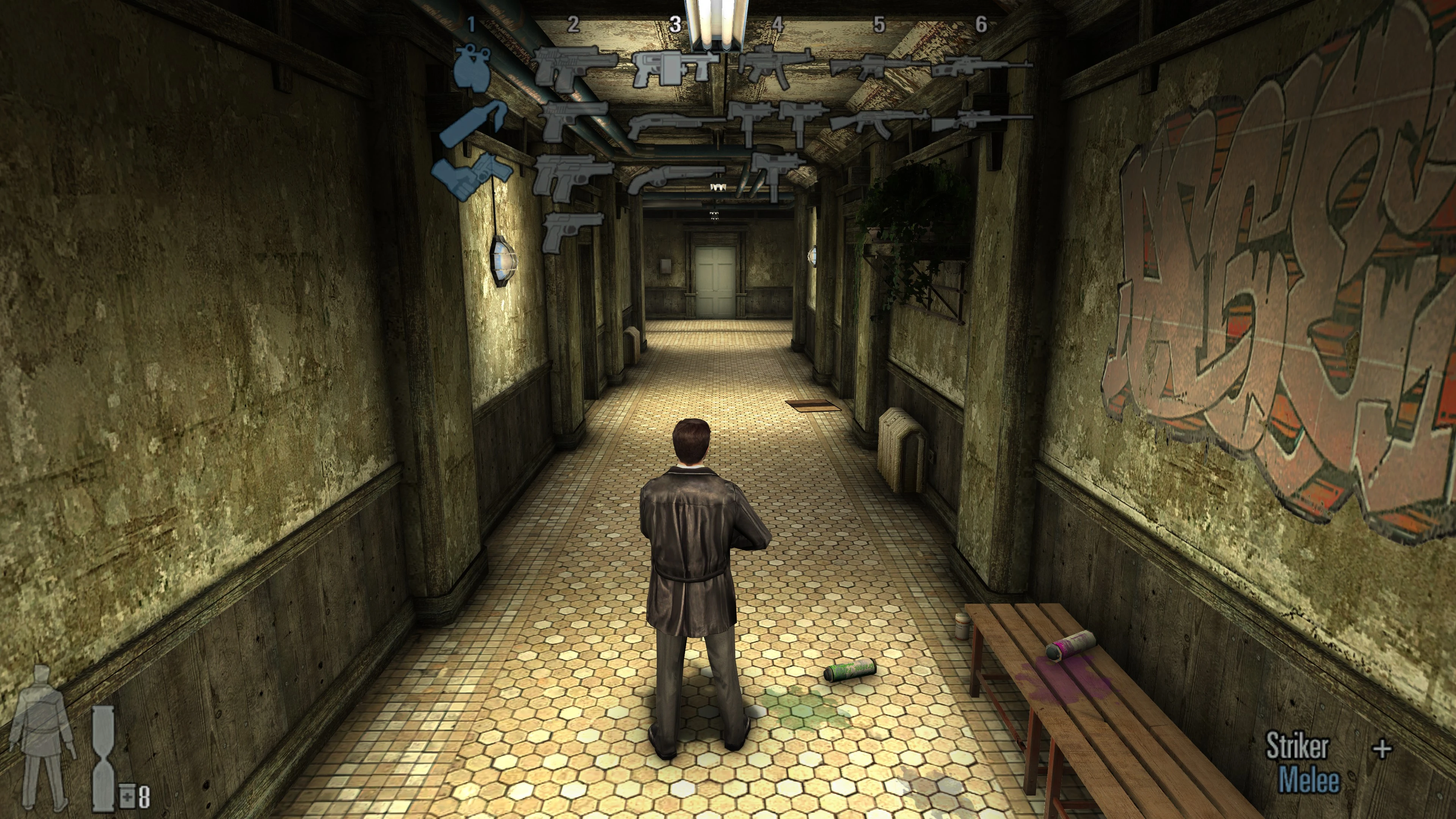 BeforeAfter
Fixed NPC Behavior at High FPS
We've fixed two known cases where NPCs could block progress when running this 2003 game at more than 60 FPS.
The first involves a broken scripted sequence in "Too Stubborn to Die" (Part III, Chapter One), where a pursuing Cleaner got stuck along his route and failed to trigger the sequence, leaving the game in an awkward softlock state. This NPC's pathing is now fixed, so you shouldn't have any trouble.
The second is the famous Vinnie bug, where he refused to leave his apartment.
GTAO Support
We've implemented Ground Truth Ambient Occlusion (GTAO). This effect complements the game's original lighting system, adding depth to the scene by darkening occluded areas that light cannot reach.
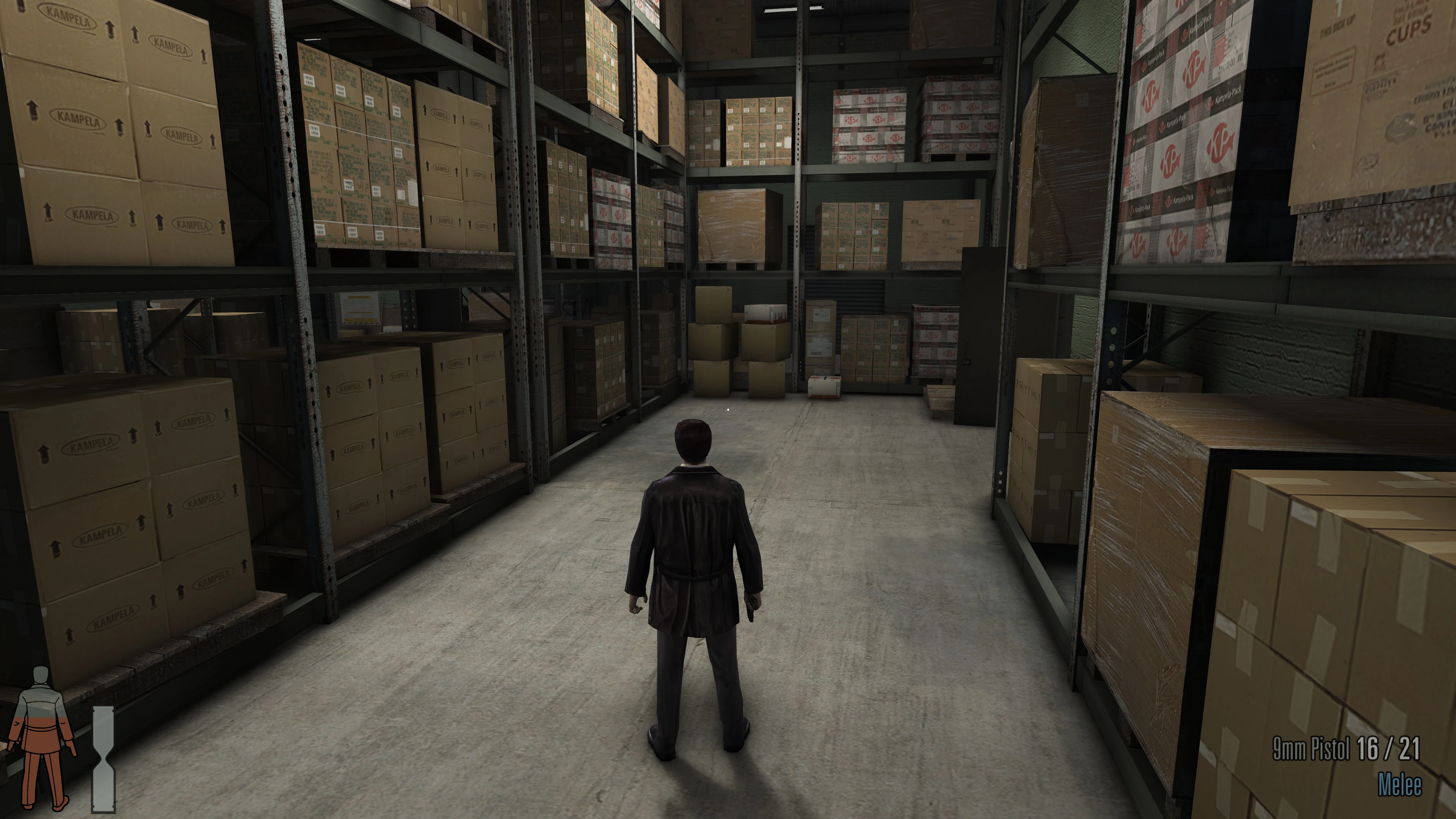
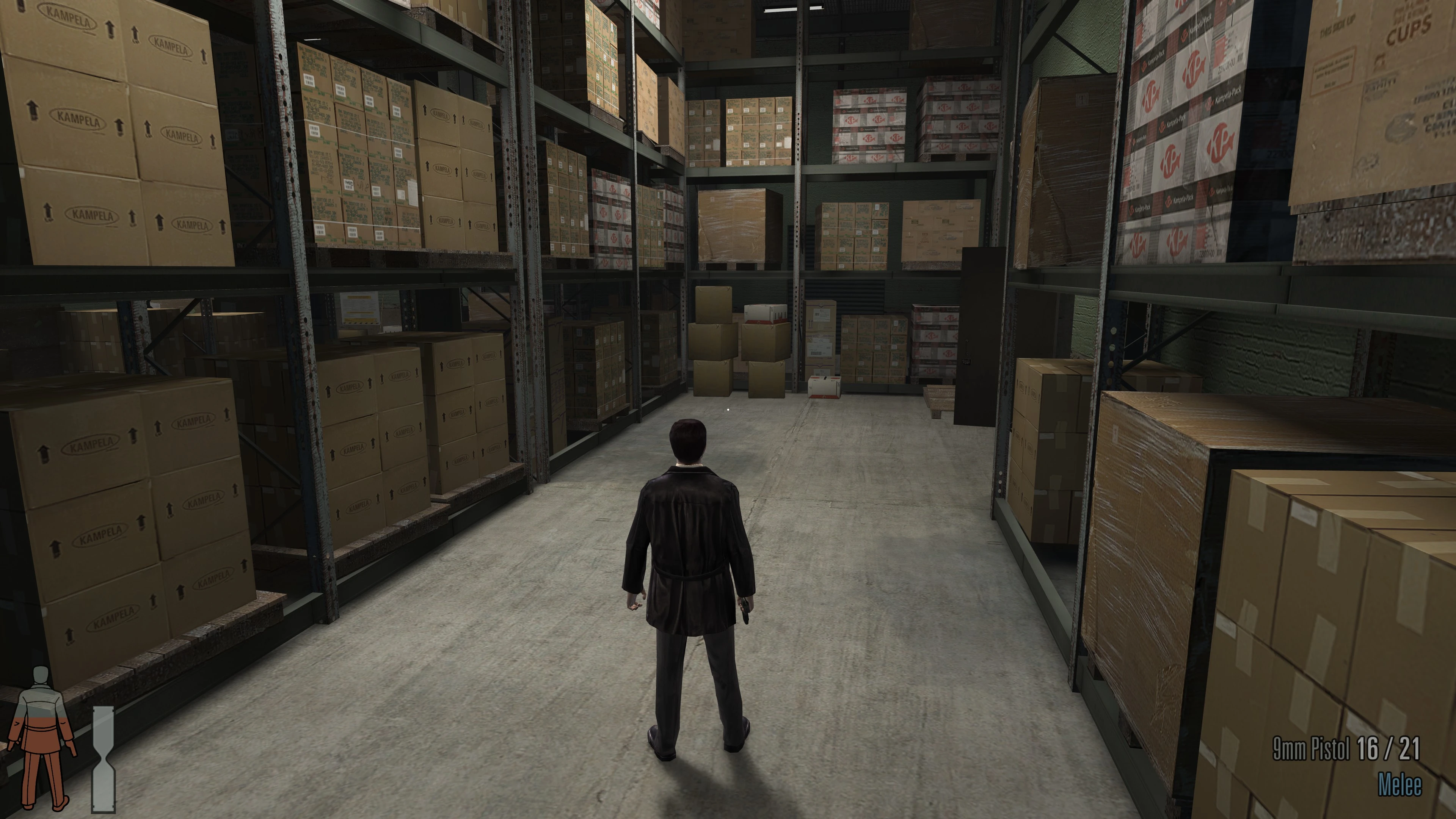 BeforeAfter
Updated Game Launcher
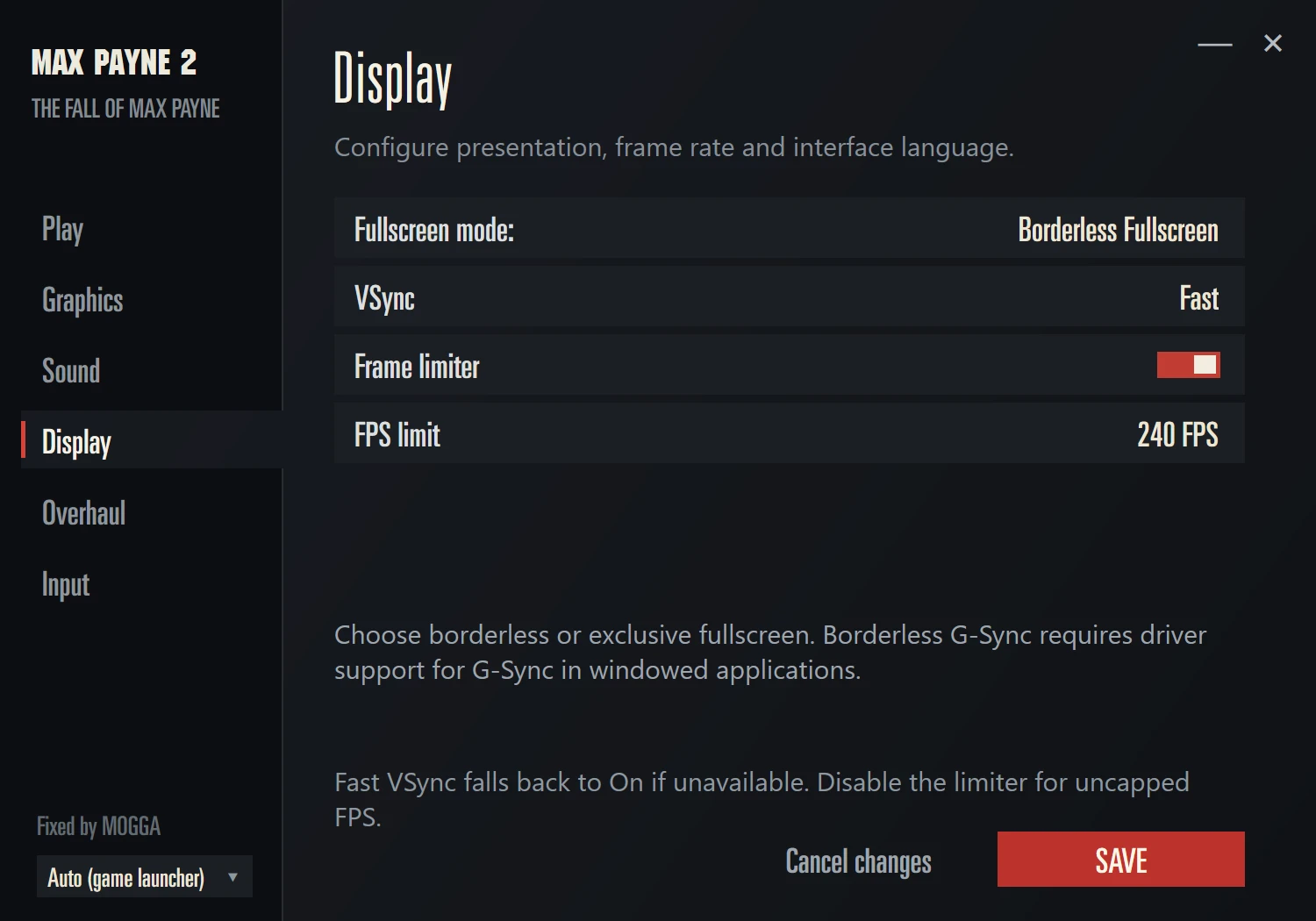
The updated game launcher detects connected monitors, GPUs, and available display resolutions, and lets you select them manually. It selects the monitor's native resolution by default and filters out resolutions that do not match its native aspect ratio. No more accidentally running the game at 640×480! Exclusive fullscreen and borderless modes are also available, along with a "Fast" VSync option.
Technical Fixes and Improvements
The game now runs on Vulkan through our D3D8-to-Vulkan translation layer, improving compatibility with modern systems. Native DirectX 8.1 remains available for manual selection and as a fallback for GPUs that do not support Vulkan.
We've also fixed the input system. The game should no longer randomly stop registering keyboard input. We've removed mouse smoothing and added high-DPI support. Mouse input is scaled to the range the 2003 game expects, so you can adjust sensitivity using the in-game settings while retaining the precision and responsiveness of high-DPI input. The menu cursor now follows your Windows mouse settings, giving it the same sensitivity as on the desktop.
Changelog
1.0.3
- Rebuilt the launcher around its own settings, removing the wait for the original launcher’s controls.
- Settings now save immediately, with Play available from every settings page.
- Fixed unavailable resolution selections and texture-filtering persistence.
- Optimized Vulkan rendering and GTAO processing without reducing visual quality.
- Fixed missing game-window taskbar icons.
- Added an optional artwork pack.
- Added compatibility with Vulkan drivers lacking optional presentation-maintenance extensions.
- Improved executable recognition with Large Address Aware or checksum changes, and reduced routine diagnostic logging.
1.0.2
Cleaner download archive.
1.0.0 · Initial release
- Updated the game launcher. The game now initializes correctly on modern systems.
- Added automatic detection of the GPU, active monitor, and its native resolution on first launch.
- Fully migrated the game from DirectX 8.1 to Vulkan.
- Added an FPS limiter up to 240 FPS, vertical sync settings, and a "Fast Sync" mode that does not cap the frame rate.
- Added a choice between borderless fullscreen and exclusive fullscreen modes. Borderless fullscreen is used by default.
- Fixed the field of view in gameplay and cutscenes. The original vertical FOV is now preserved while expanding the horizontal view. Portals, mirrors, and reflections render correctly.
- Added an option to remove letterboxing in cutscenes while preserving the original framing.
- Added optional GTAO support. This feature is experimental: some effects may still render underneath the ambient occlusion layer.
- Fixed UI scaling on widescreen displays. UI elements, loading screens, and the graphic novel screen now use the full screen area without stretching.
- The UI now uses an adaptive 16:9 layout instead of a fixed 4:3 layout.
- Subtitles have been moved to the horizontal center of the screen.
- The UI now uses updated fonts as well as new health and weapon icons. UI elements are rendered from vector source assets according to the screen resolution selected at launch.
- Added optional collision between enemy ragdolls.
- Fixed an NPC getting stuck in the chapter "Too Stubborn to Die," which could block a scripted sequence. The pursuing NPC's route is now recalculated if the character cannot continue moving.
- Fixed Vinnie's tendency to get stuck in a doorway in the chapter "Dearest of All My Friends." The NPC movement module now correctly handles small obstacles at high frame rates.
- Added an optional software alternative to EAX effects. It is not an exact reproduction of the original EAX implementation.
- Added Raw Input mouse support with high-DPI support up to 8,000 DPI.
- Fixed an issue that could cause the game to stop processing keyboard input.
- Added an option to link vertical and horizontal mouse sensitivity in the game settings.