0.1.12
Security update for the app and download verifier.
Windows app
Find your games, install compatible fixes and keep them up to date. Choose where downloads live and when updates are installed.
Download for Windows ↓MOGGA 0.1.12 · The installer downloads the latest version.
Downloads: 226
Initial target: Windows 11 · x64
Security update for the app and download verifier.
Updated security components.
Improved UI
Improved UI
Install optional asset packs directly from game pages. MOGGA helps locate the game and offers its required patch before installing the pack.
Optional HUD and background packs can be installed separately or downloaded manually. Game details fill the window; centered text and comparisons match the website.
Videos now play directly in game descriptions and galleries. Full-width media and centered layouts match the website.
Game scans no longer freeze the app. Use Refresh to scan saved folders. New folders scan when added; frequent automatic scans are off.
Downloads now has a compact file list, folder path, Delete all and Move folder controls. Moving changes the download path and moves managed files; deleting downloads preserves installed patches. New games refresh while MOGGA is open. Game pages now offer Report a bug with an explanation, optional basic system details and MOGGA logs. Added the lime M app icon, grouped Install/options/Uninstall controls, clearer mod-settings borders and search reset. Removed image hover text, lime selection outlines and the old empty-search message. Installed updates retire obsolete managed archives and patch caches.
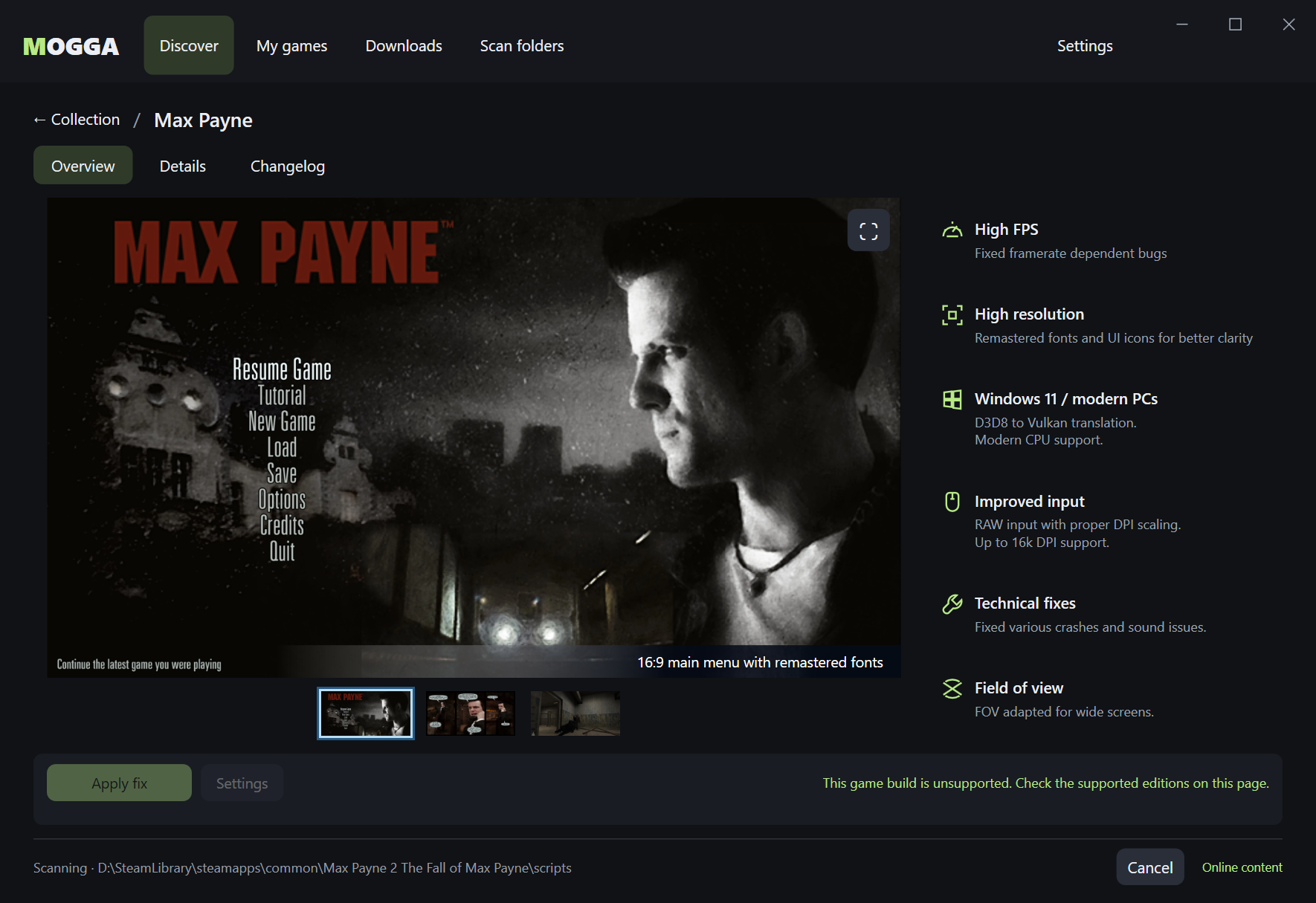
Game pages now have a focused Overview, a separate Details page, and a full Changelog. Scanning and longer status messages no longer shift the window layout. Before installation, MOGGA explains the files a signed patch will change and, when applicable, how Large Address Aware lets a game use more memory.
Added support for download and installation statistics. Only successful new installations are counted; updates and cached downloads are excluded. Reporting failures never interrupt installation.
Existing mod DLLs can now be replaced after an explicit risk warning, with backups preserved through updates and restored on removal. Clearer file-conflict messages without hidden details.
Adds reviewed original game DLL replacement, preserving verified backups through patch updates and removal.
Prepares MOGGA for private patch downloads, with resumable transfers and clearer download errors.
Adds reviewed, build-specific conflict plans with reversible restoration. Improves compact layouts, themed settings controls, copy selection and keyboard navigation. Includes interrupted-download recovery and correct Windows version registration after rollback. Prototype: Unknown publisher; full installed-app and real-game validation remain pending.