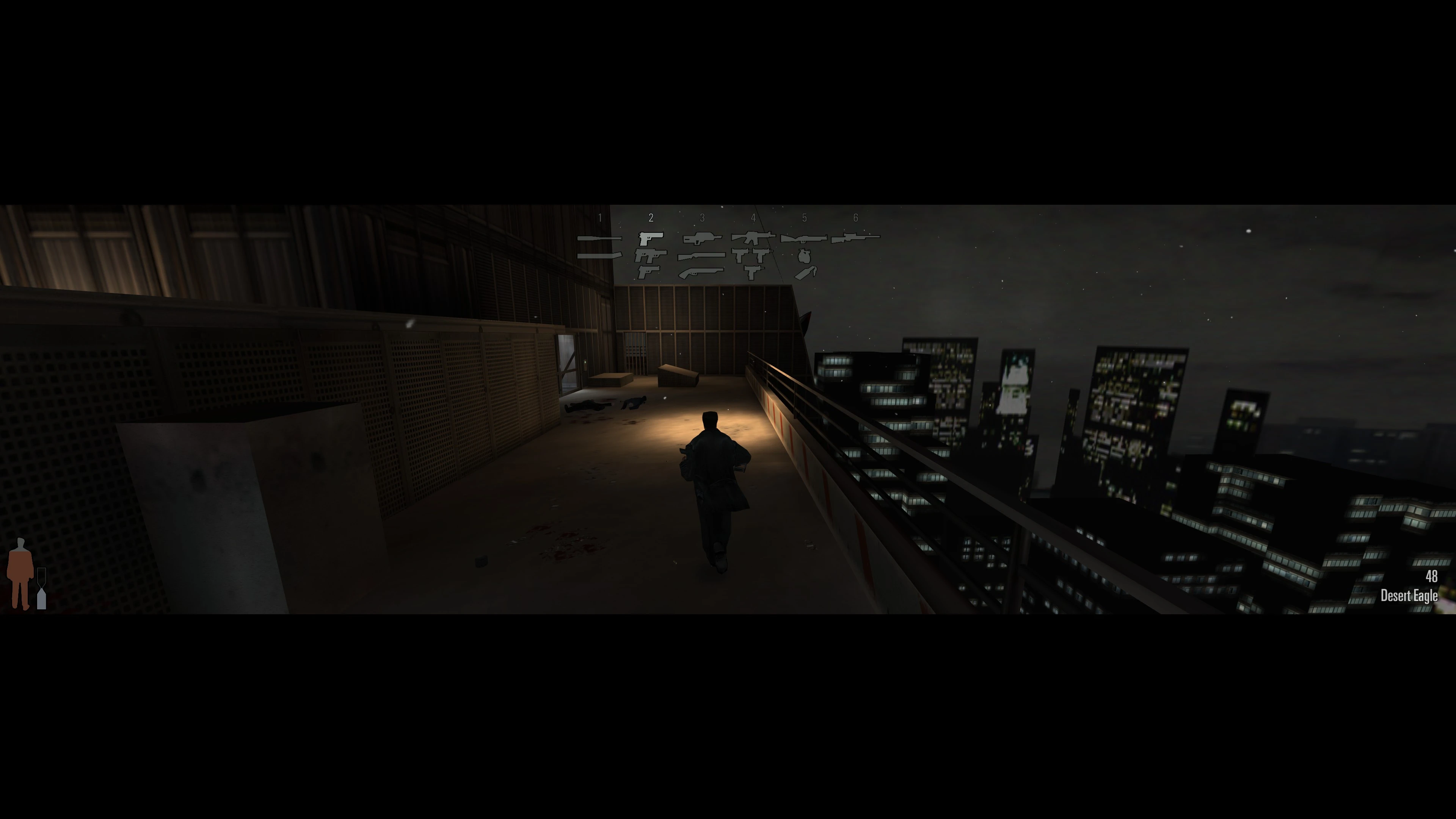
High FPS
Fixed frame-rate-dependent bugs
High Resolution
Remastered fonts and UI icons for improved clarity
Windows 11 / Modern PCs
D3D8-to-Vulkan translation. Modern CPU support.
Improved Input
Raw input with proper DPI scaling. Support for up to 16,000 DPI.
Technical Fixes
Fixed various crashes and sound issues.
Field of View
FOV adapted for widescreen displays.
What's next
Gamepad Support
Full gamepad support with native button icons and in-game settings.
PlannedWidescreen, Ultrawide, and High-Resolution Fixes
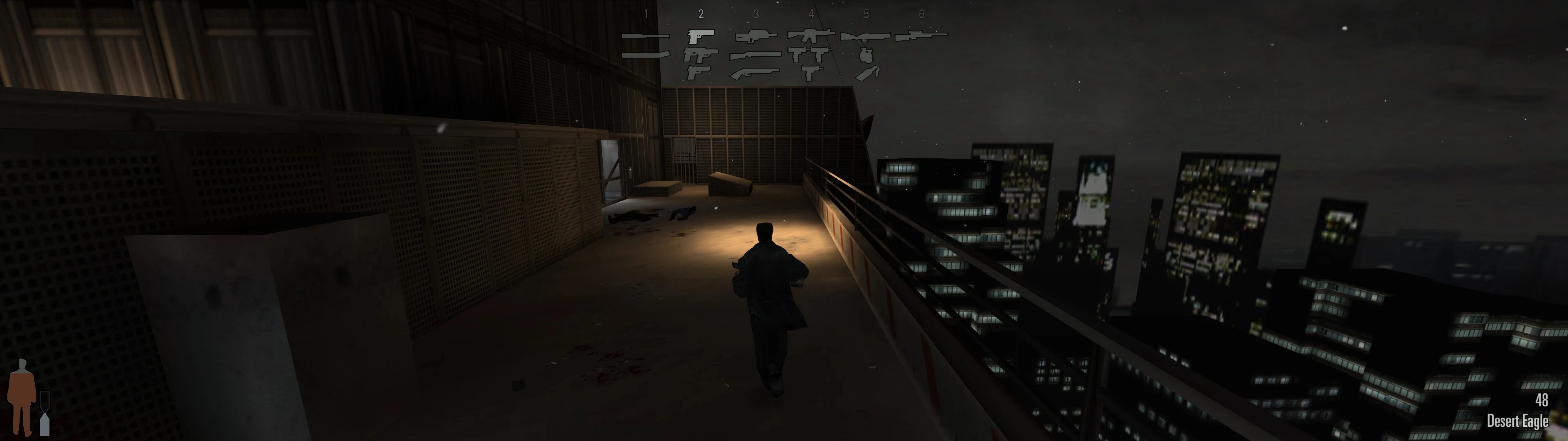
The game is now optimized for 16:9 aspect ratios, with partial support up to 32:9. Menu and loading-screen backgrounds now span the full width of the screen. HUD elements, such as the ammo counter and health bar, are dynamically anchored to the screen corners, preventing them from stretching at any resolution. The Graphic Novel screen has also been redesigned to use the full 16:9 width.
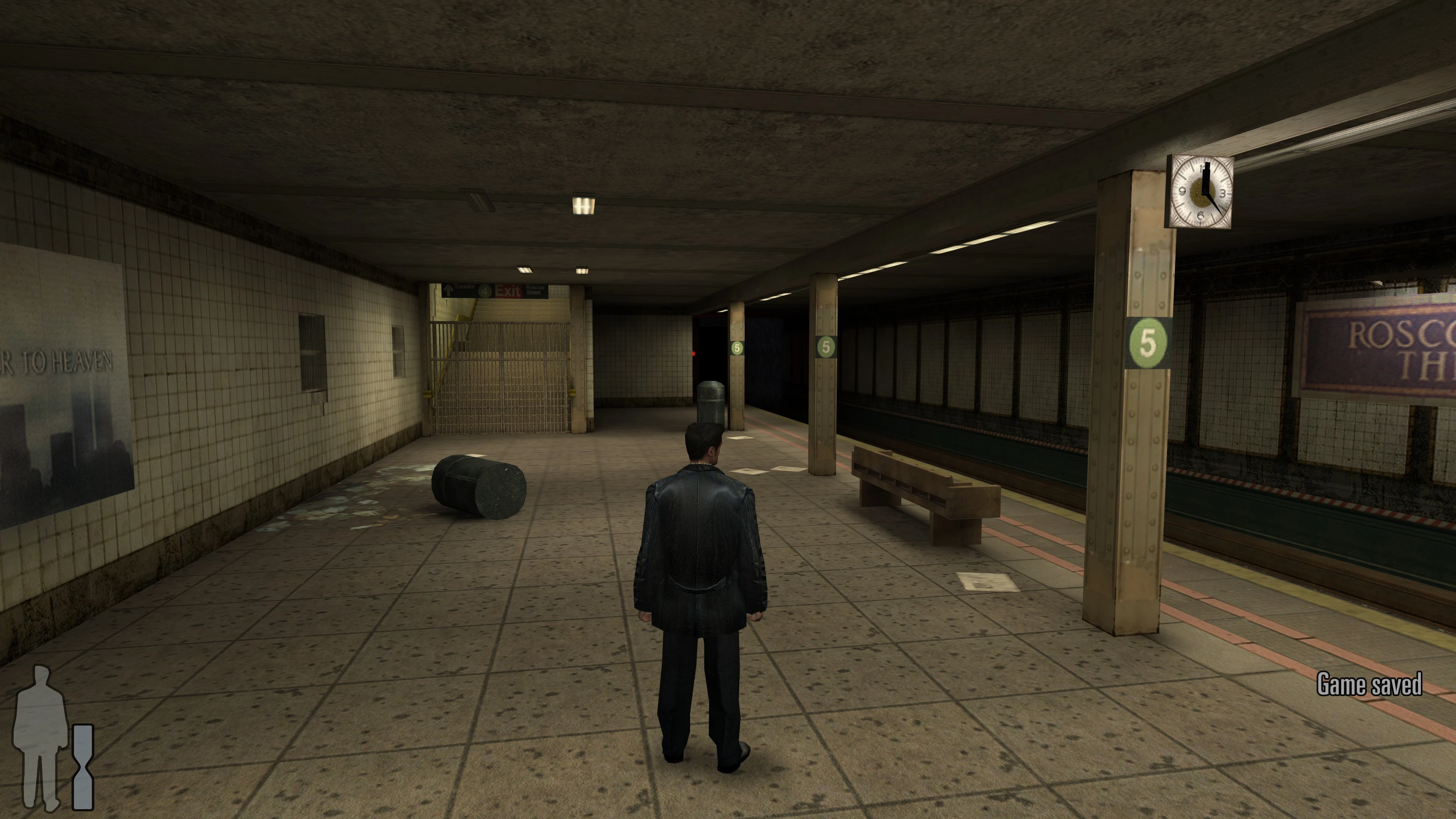
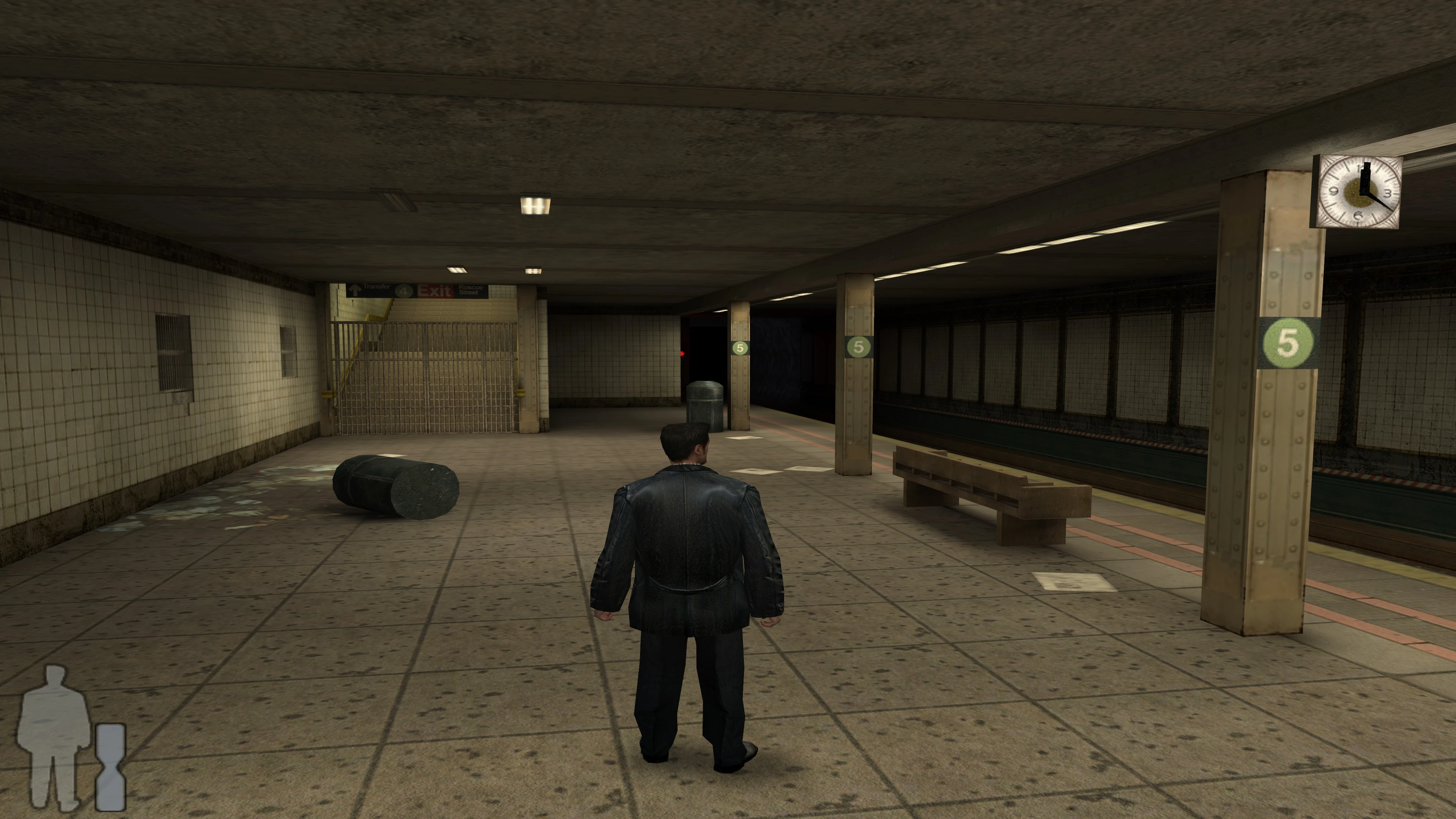 BeforeAfter
Correct widescreen FOV without stretching.
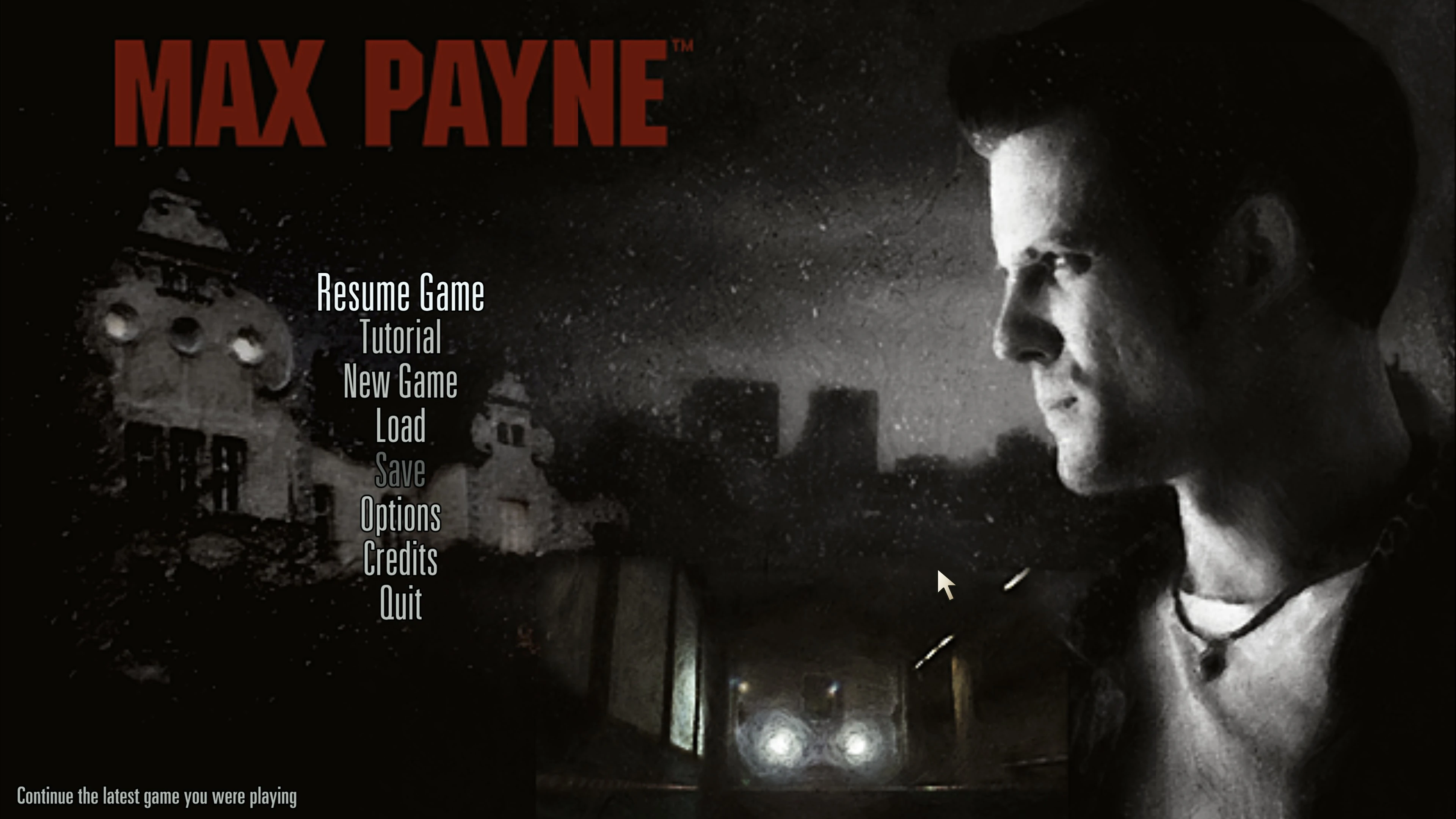
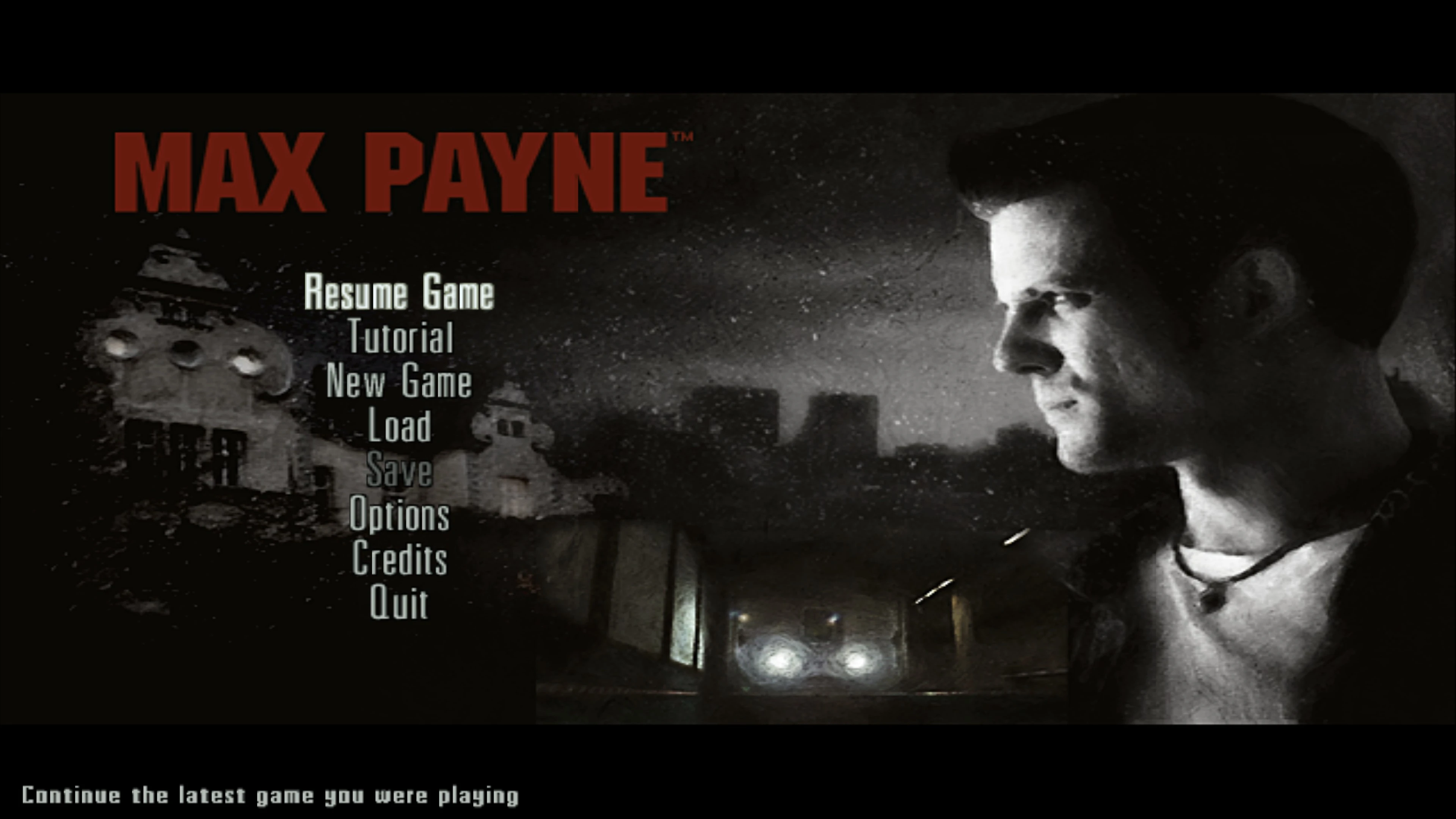 BeforeAfter
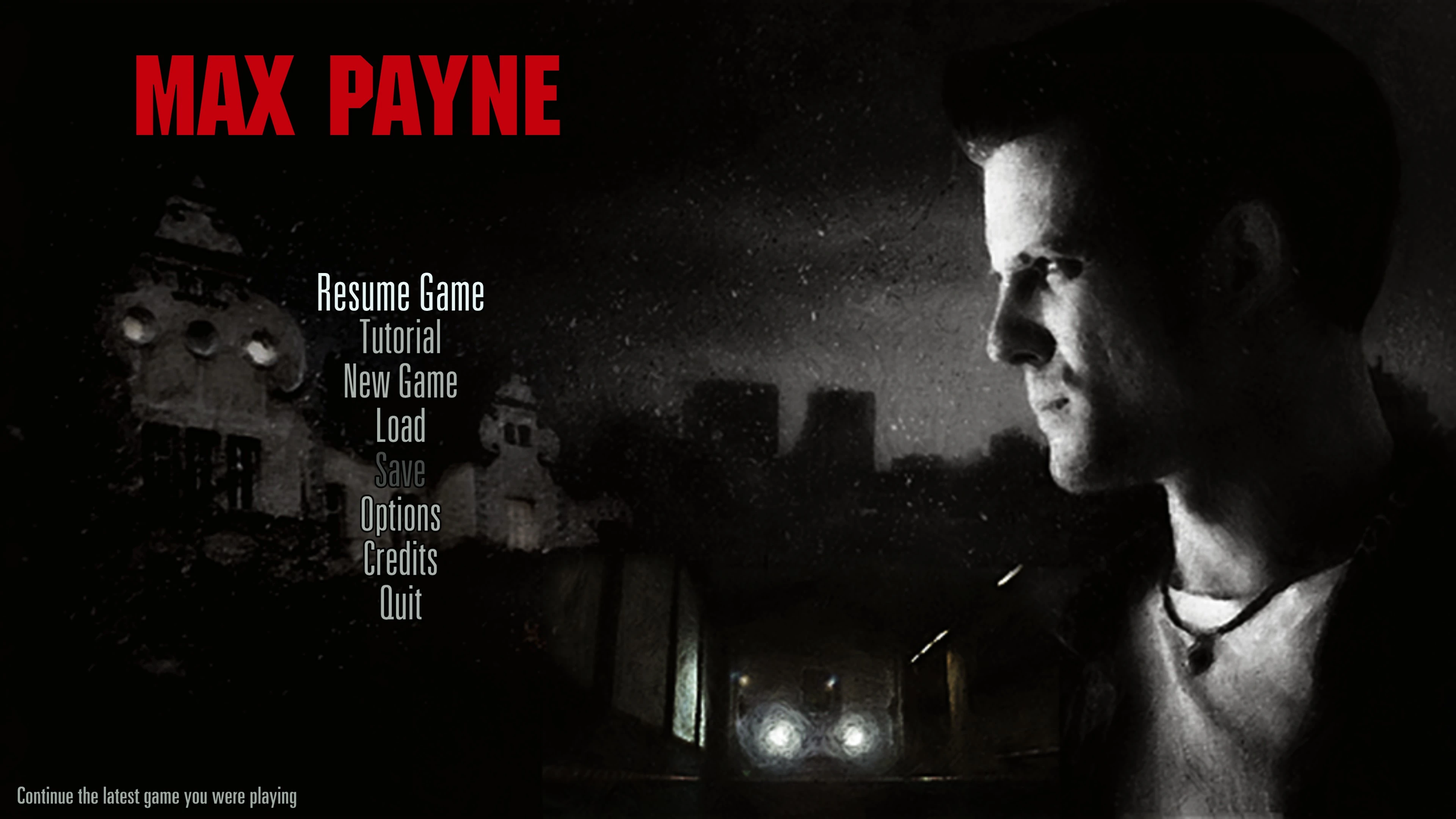
Main menu de-stretched, with the background now spanning the full screen width.
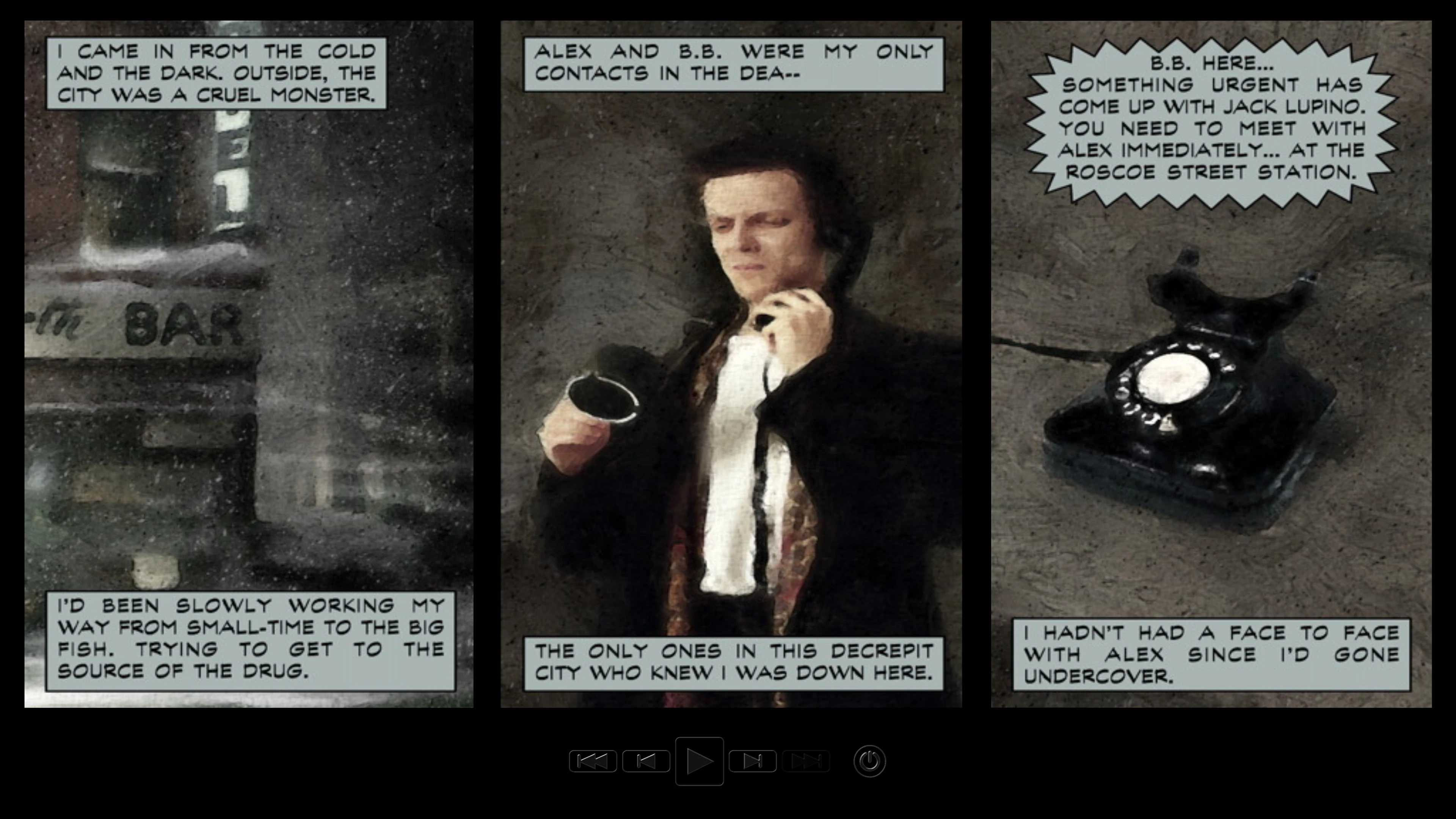
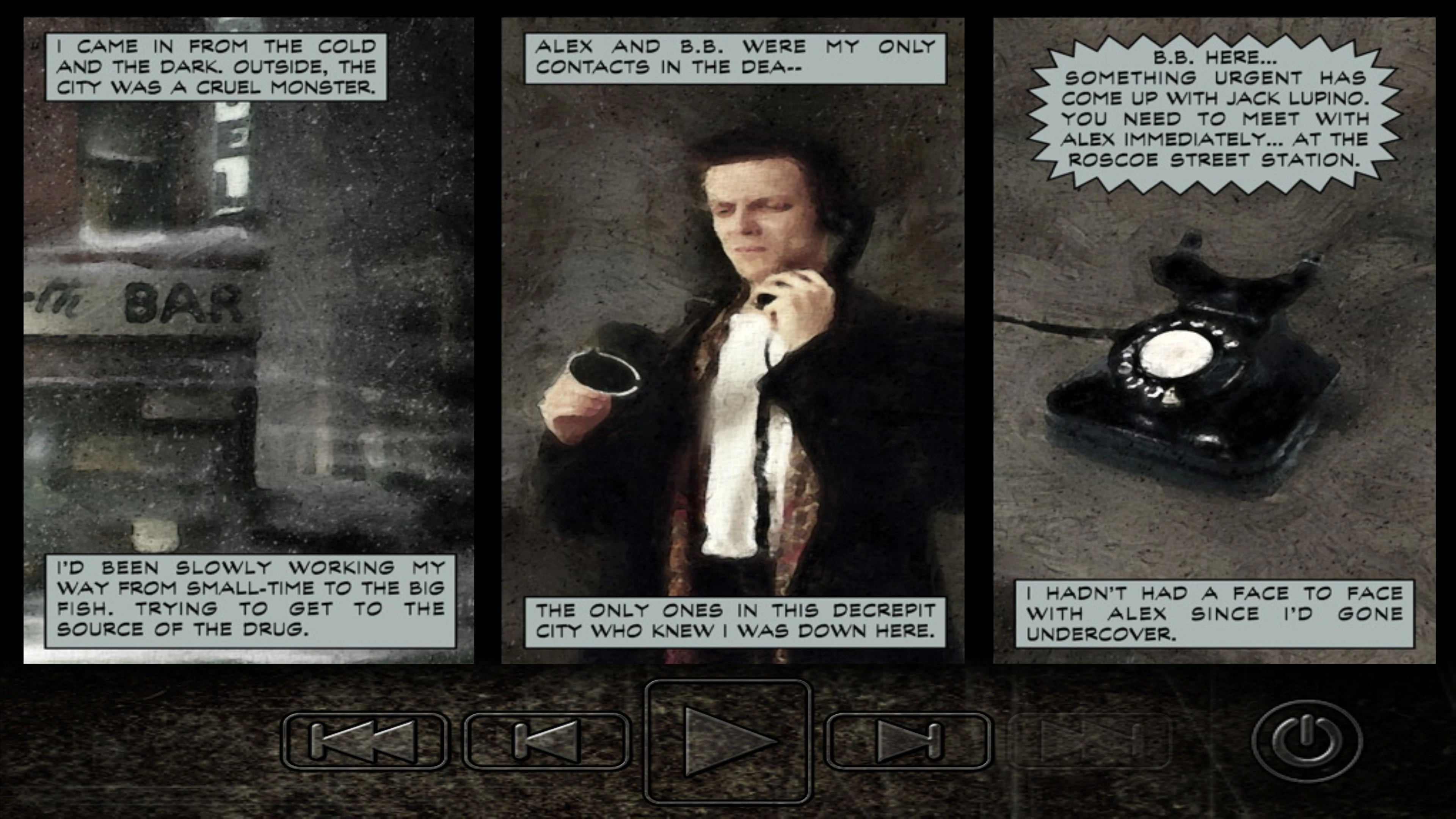 BeforeAfter
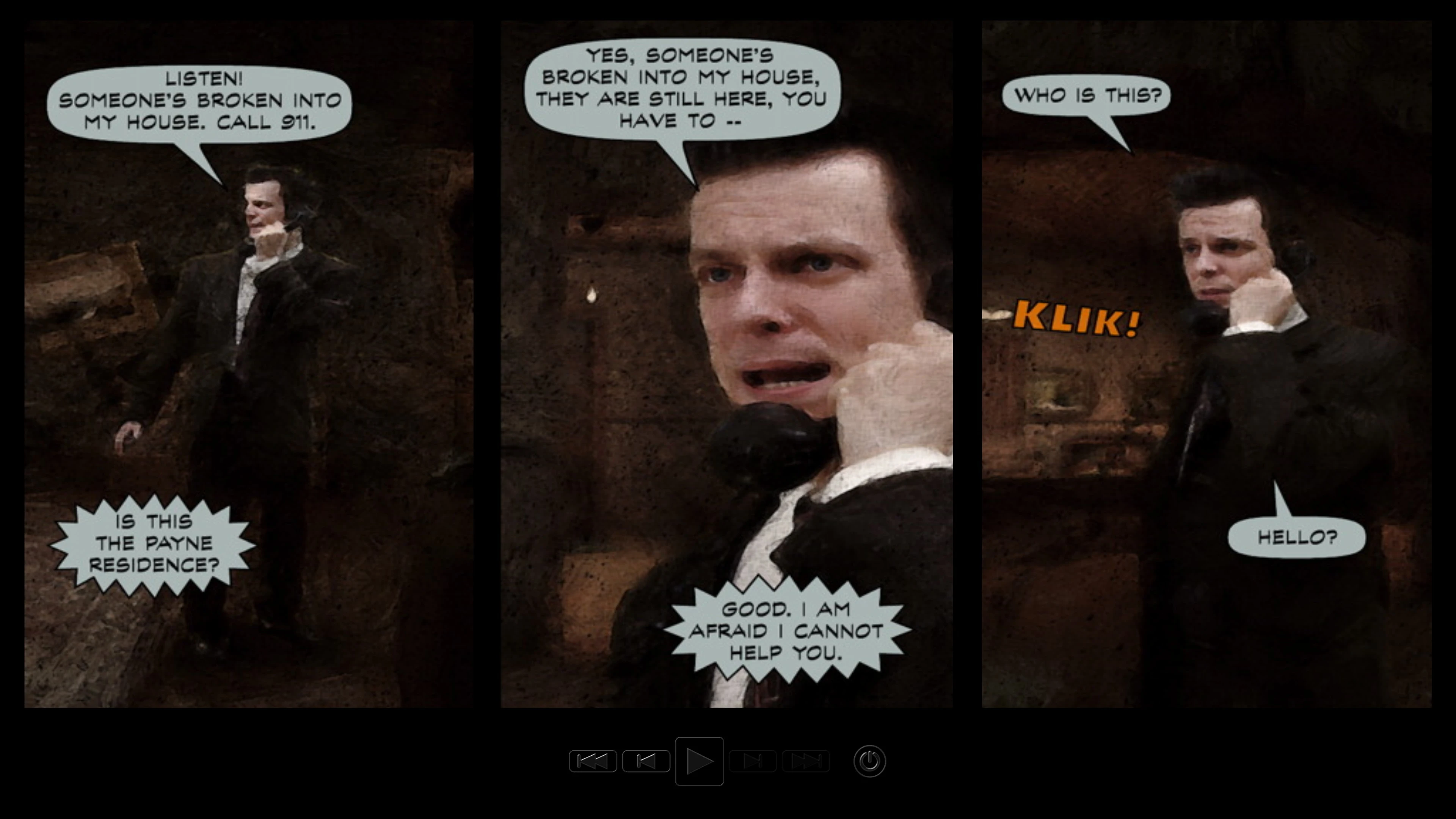
Rearranged Graphic Novel screen layout.
Font and UI icon rendering has also been improved with new remastered assets.
But that's not all. The game also supports ultrawide resolutions up to 32:9. The gameplay HUD and camera adapt dynamically, with no need to tweak .INI settings. Some UI elements cannot adapt properly without being completely remade, so you may still see cropped backgrounds in the main menu and loading screens.
Fixed Startup and Compatibility Issues
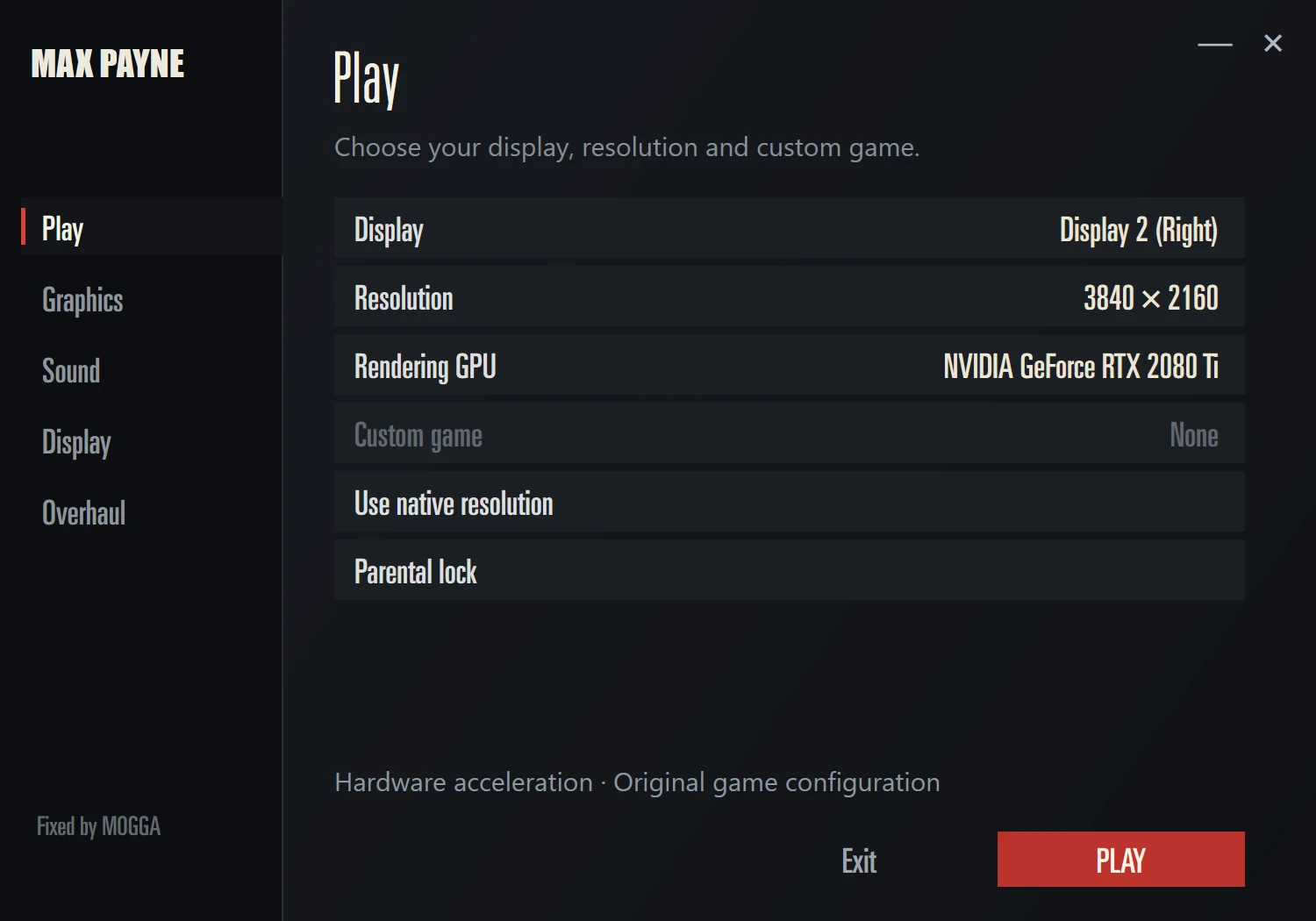
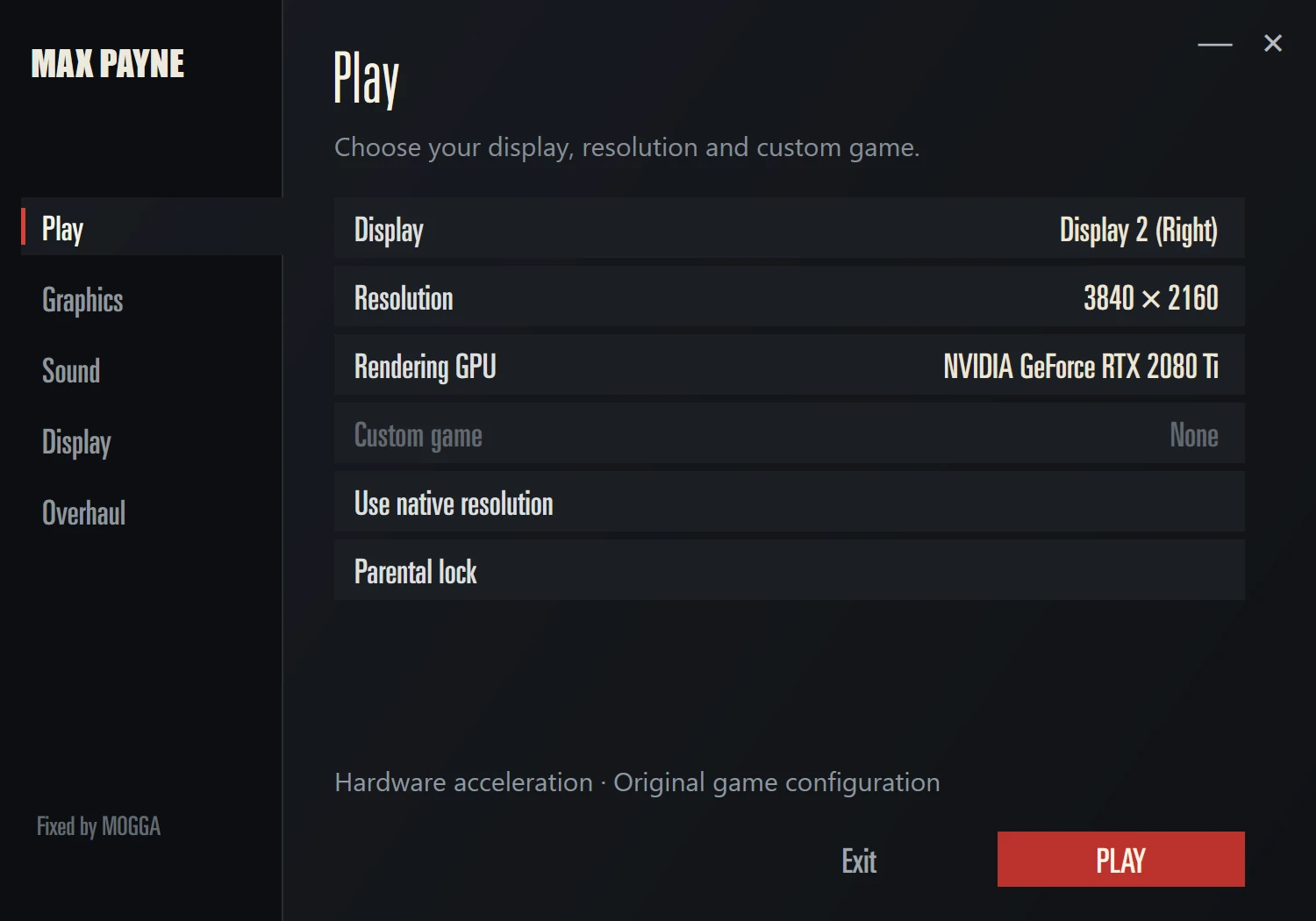
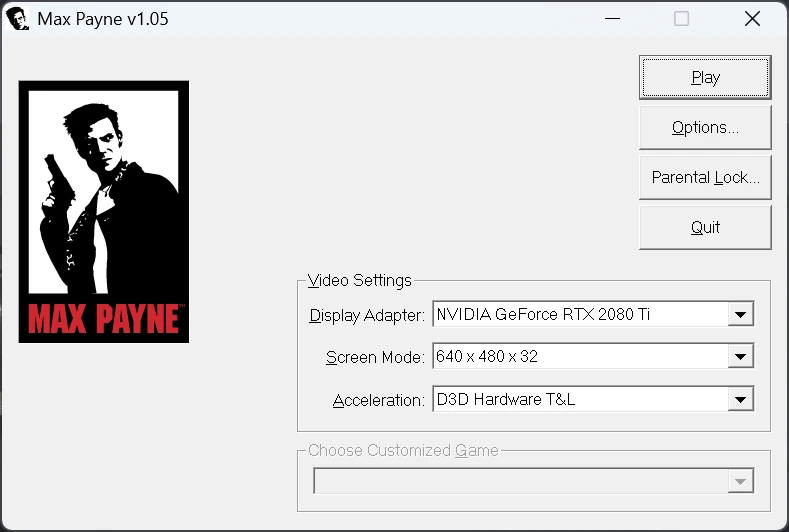
Fixed the issue that caused the "JPEG Error". This currently requires replacing rlmfc.dll in the game folder, as the error cannot yet be patched externally. The game now uses an updated launcher that automatically detects your PC's GPUs and connected monitors, selects the primary display as the default output, and uses its native resolution by default.
 BeforeAfter
It also makes the patch easy to configure by letting you choose which features and settings you want enabled.
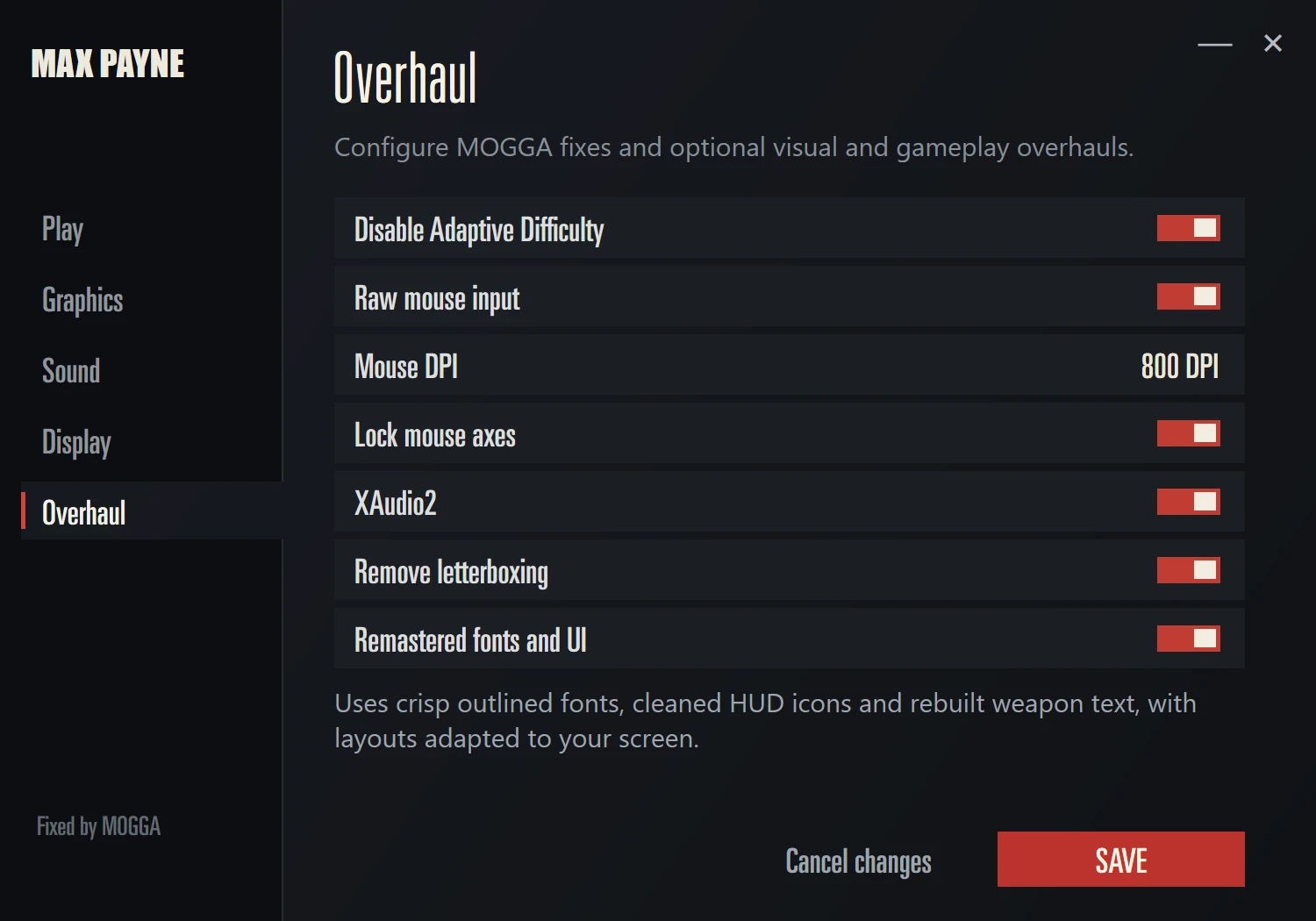
Raw mouse input support has been added, bypassing mouse smoothing. One option you may have noticed in the screenshot is the "Mouse DPI" setting. It scales in-game mouse sensitivity to match your mouse DPI, so you can actually make use of high-DPI input without doing a 360° turn from the slightest flick. Set it to the DPI value you actually use on your mouse.
The game now uses a custom D3D8-to-Vulkan translation layer and borderless-window presentation mode. An optional frame limiter provides an adjustable cap from 60 to 240 FPS. The "Fast" V-Sync option uses mailbox presentation, allowing the game to render above your monitor's refresh rate while remaining tear-free.
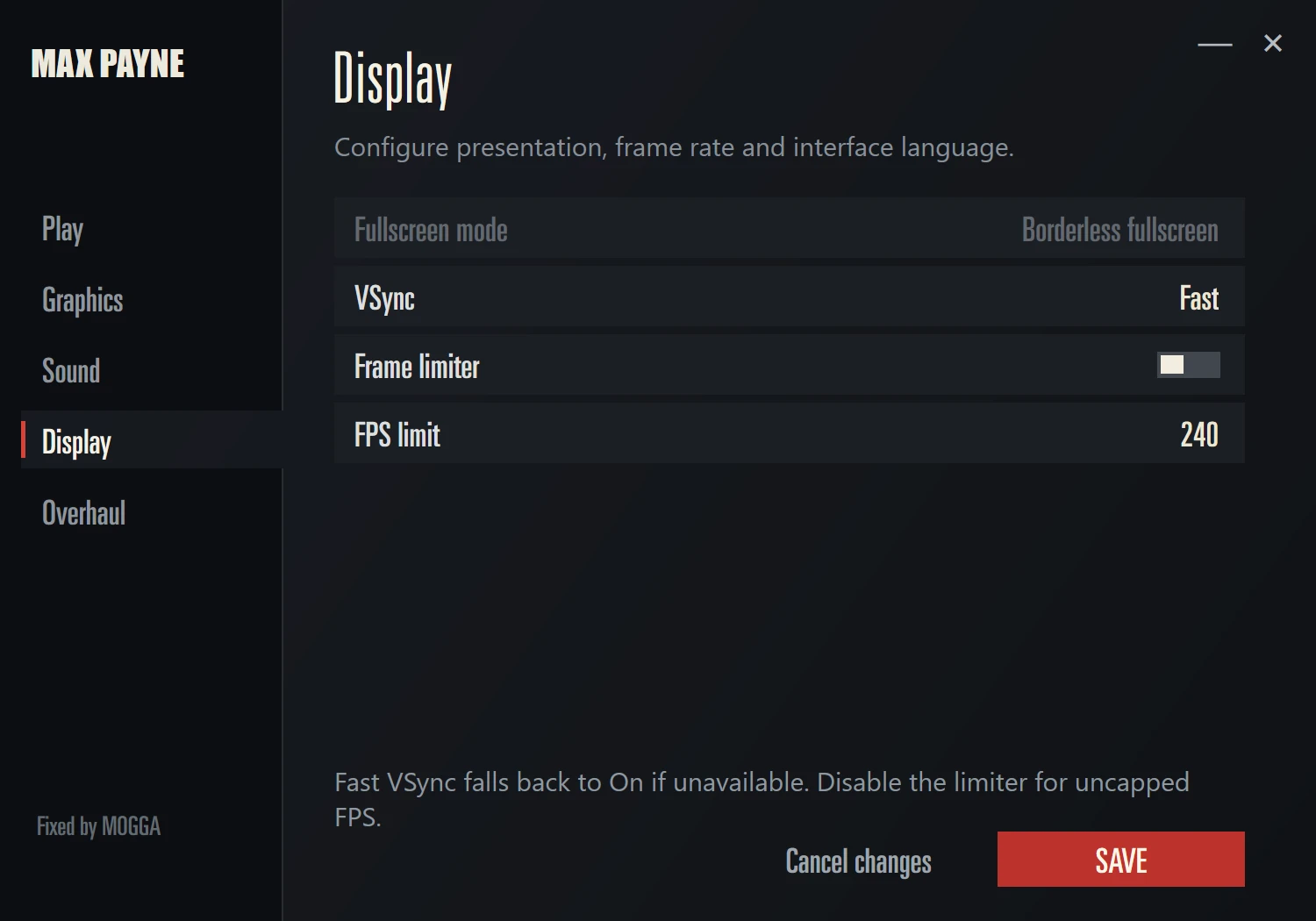
And as icing on the cake, the game now uses the more modern XAudio2 sound API, which succeeded DirectSound in the Windows Vista era. The sound issues are now resolved, so the game should no longer run half-muted on modern systems.
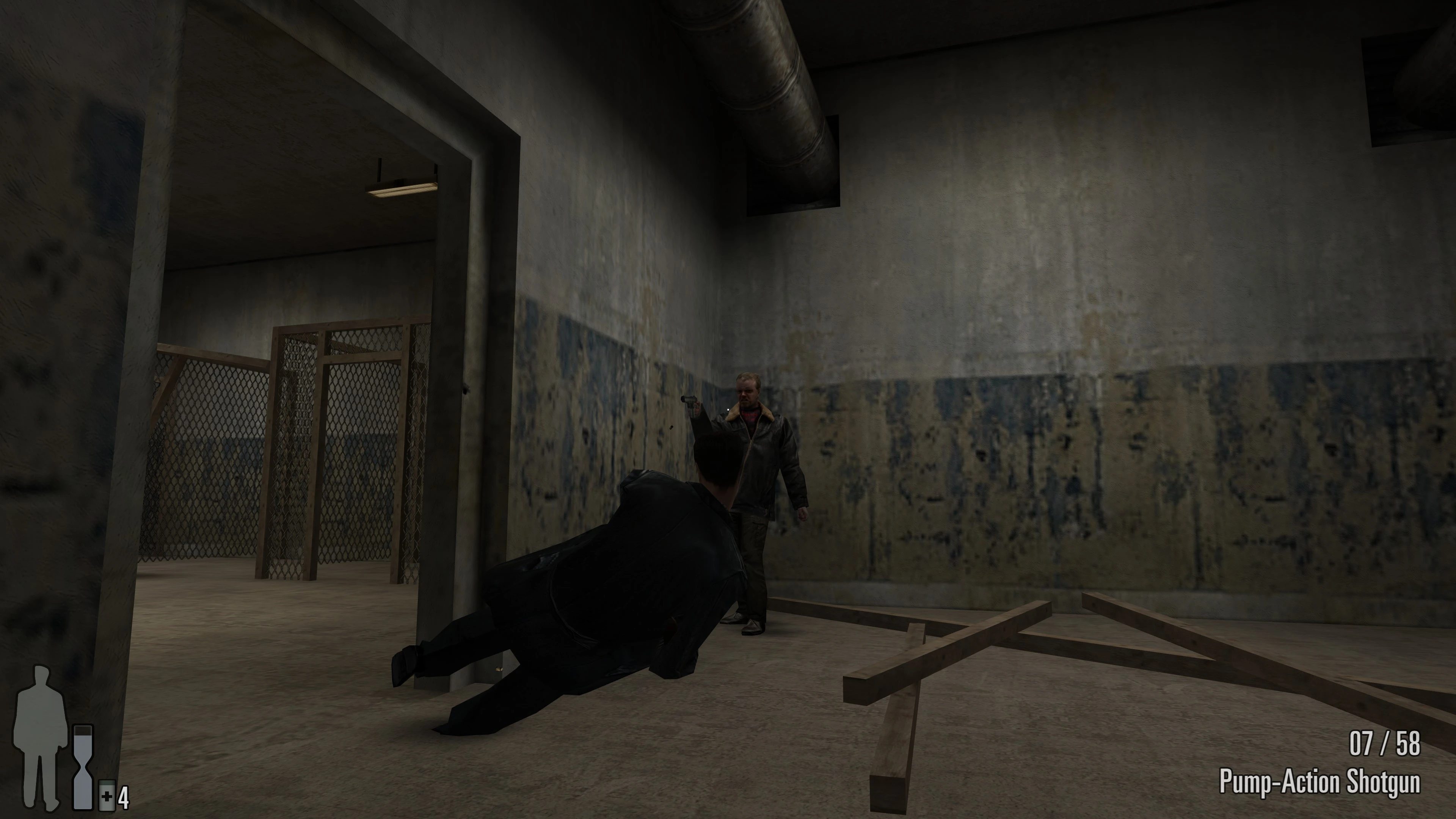
No more 60 FPS cap!
We've fixed the issues that caused game-breaking bugs at high frame rates, such as the ShootDodge jump turning Max into a sad, falling bag of potatoes!
Good news! The same bug also affected Vinnie Gognitti's jump in the Police Brutality chapter, and that is fixed too.
Changelog
1.0.7
- Updated the Vulkan backend to reduce rendering overhead.
- Reworked launcher startup and settings handling. Changes save immediately, and Play is available from every settings page.
- Fixed unavailable resolution selections, texture-filtering persistence and the FPS limit selector.
- Improved Vulkan fullscreen focus and minimizing behavior.
- Limited menu and graphic-novel rendering to the selected display’s refresh rate, while preserving gameplay pacing.
- Fixed missing game-window taskbar icons.
- Added compatibility with Vulkan drivers lacking optional presentation-maintenance extensions.
- Improved recognition of supported executables with Large Address Aware or checksum changes.
- Reduced routine diagnostic logging.
1.0.6
- Added automatic DirectX 8 fallback if GPU doesn't support Vulkan and Native/Vulkan API selection for the modern launcher.
- Fixed brightness controls.
- Added optional AI-expanded 32:9 artworks with re-rendered chapter labels and default background art fit options. The original image is centered and left untouched. Provides better fonts and chapter labels on the loading screen on 16:9 monitors.
- Added selectable HUD safe zones for UltraWide displays, constraining the HUD in 16:9, 21:9 or 32:9 areas.
1.0.5
- Fixed a startup silent crash
- Removed .exe name check, the mod now only checks the hash, allowing to run renamed executables.
- Added Debug logging options in the overhaul menu. Default is set to Info.
- Optimized logging to reduce disk writes.
1.0.4
Cleaner download archive.
1.0.3
- Hardened the ShootDodge height at high FPS fix, should work more reliably now.
1.0.2
- Reduced repeated log messages.
- Fixed messages getting lost during simultaneous logging.
1.0.1
- Added support for the verified Russian Steam copy and the tested 1.05 NoCD executable.
- Fixed Windows high-DPI cropping in the main game window.
- Added a manual English/Russian selector linking the launcher and rebuilt in-game text.
- Added bounded, privacy-safe technical logging for MOGGA reports.
1.0.0 · Initial Release
- Fixed game initialization issues so it should start reliably on modern GPUs and CPUs.
- Added a custom game launcher with both original game settings and MOGGA overhaul options.
- Fixed the UI: menus, loading screens, and the Graphic Novel layout. Menus and loading screens now use the full width of a 16:9 display and scale to the screen edges. Added a new fullscreen Graphic Novel layout.
- Remastered UI fonts and weapon icons. They are now rasterized at runtime from vector sources to match the screen resolution.
- Rearranged several UI elements for 16:9 displays. The game now uses a dynamic HUD layout instead of a fixed 4:3 canvas.
- The launcher now correctly detects installed GPUs and connected monitors and lets you select them manually.
- Moved the game from DirectX 8 to Vulkan. Added modern presentation with exclusive or borderless fullscreen. Removed driver overhead caused by the old API, so the game should run even faster.
- Added custom frame-limiter options and a Fast V-Sync mode using mailbox presentation. The game renders frames as fast as it can, but only the most recently completed frame is presented to avoid screen tearing.
- Fixed sound issues by implementing a DirectSound-to-XAudio2 translation layer for modern Windows. Enabled by default.
- Fixed DirectSound issues that caused missing sounds.
- Fixed a collision-calculation issue that limited ShootDodge height and distance. ShootDodge is now FPS-agnostic.
- Fixed Vinnie Gognitti being unable to jump between buildings during the chase sequence at high FPS.
- Added a "Remove Adaptive Difficulty" option that disables the adaptive scaling used on Fugitive difficulty, which could reduce Max's HP to just 40% of normal in several chapters. The option also unlocks every other difficulty level, so players can choose whichever one they want.